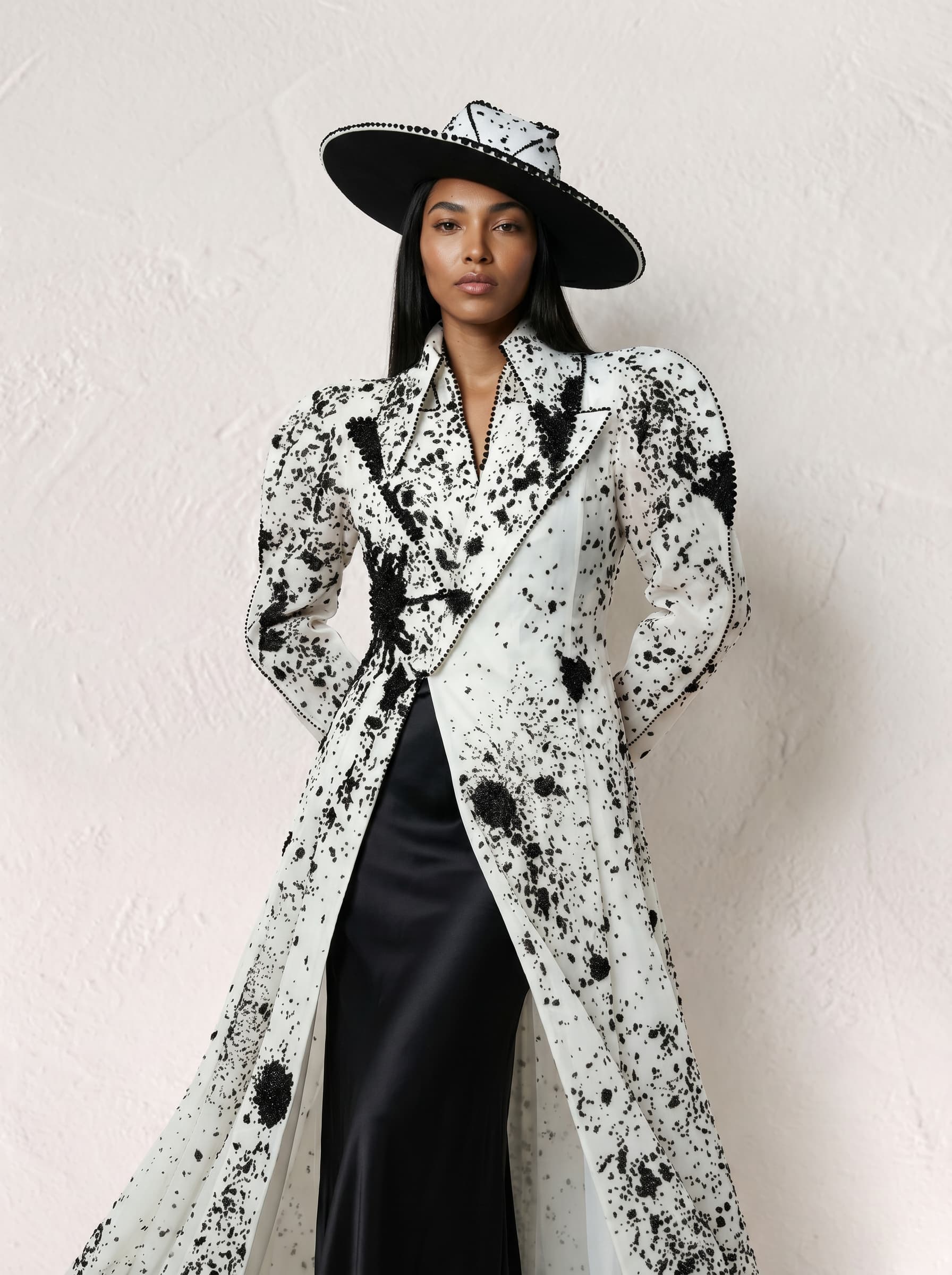
AI Image Prompt: 3 Methods to Prompt a Fashion Shoot
There are currently three main ways to generate a fashion visual using an AI image prompt. Each addresses a different level of need, depending on your production volume and resources.
Method 1 — Full Prompt: Detail & Granularity
How do you build a good prompt to generate a fashion shoot from a product photo?
The most precise method. Describe every element of the shoot in a single text prompt:
- Import a product image into the LLM
- Define the shoot setting and environment: indoor/outdoor background, solid, colored, textured, materials
- Define the lighting: source, intensity
- Define the model's body characteristics: height, build, muscle tone
- Define the model's facial features: skin tone, eyes, hair
- Define the pose: neutral/expressive, dynamic/static, commercial/editorial
- Define the photo angle and the model's angle: front-facing, high angle, low angle, profile, back
- Define the framing: close-up, chest shot, Italian shot, medium shot, wide shot
- Detail the styling: fabric, texture, color, drape, cut — and how the pieces are worn ("shirt tucked in", "trouser hem rolled up")
- If the result works, generate more visuals. If not, prompt to retouch.
Game changing tip for the “Full Prompt” method: Sharpen each characteristic with precise terms — "lean muscle", "peachy complexion" — to reduce the number of iterations.
Advantage of the “Full Prompt” method: Full control over every detail of the shoot.
Limitation of the “Full Prompt” method: The model's face varies slightly from one generation to the next, even with an identical prompt. This method is not suited beyond 10 references to shoot.
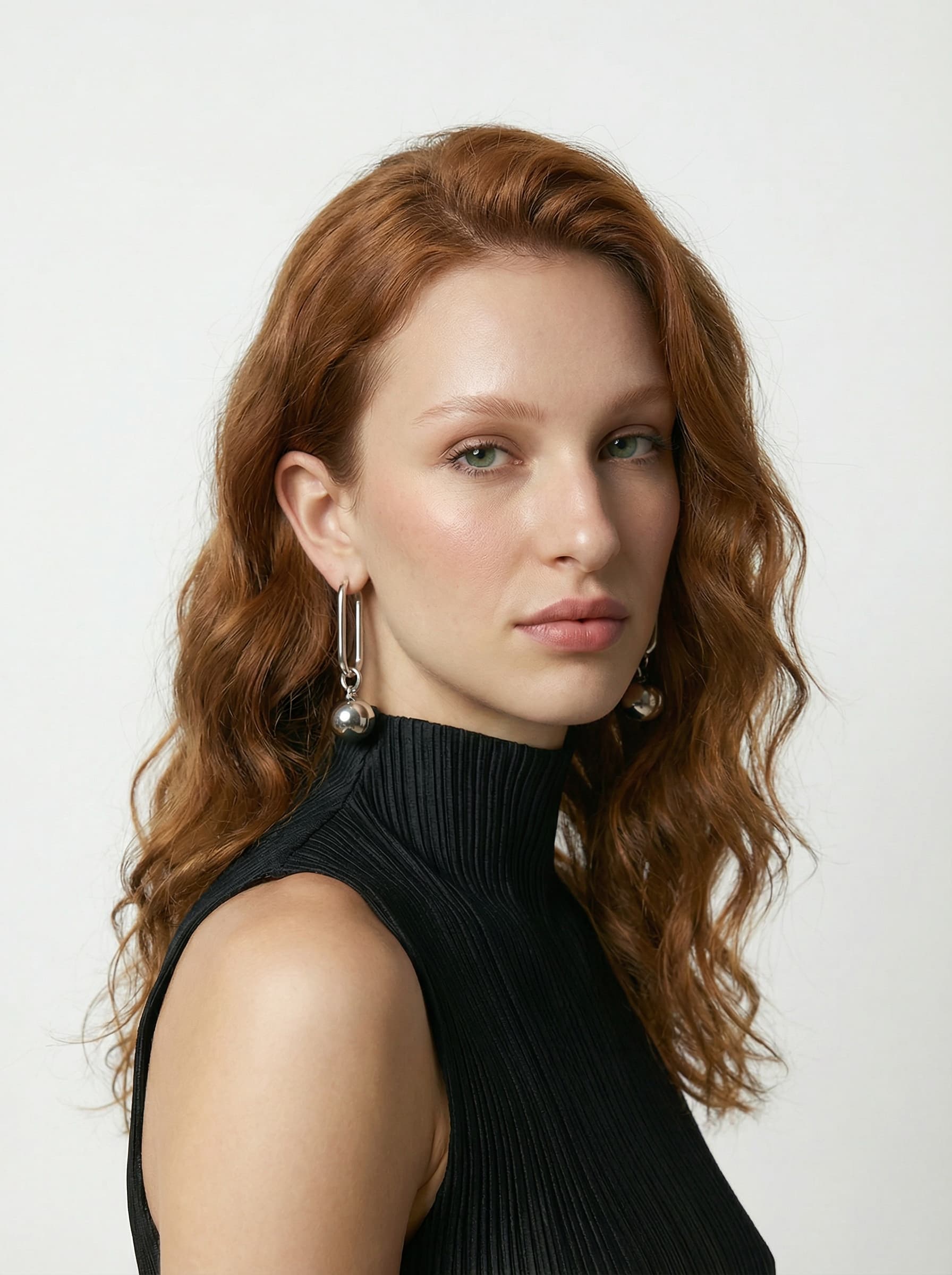
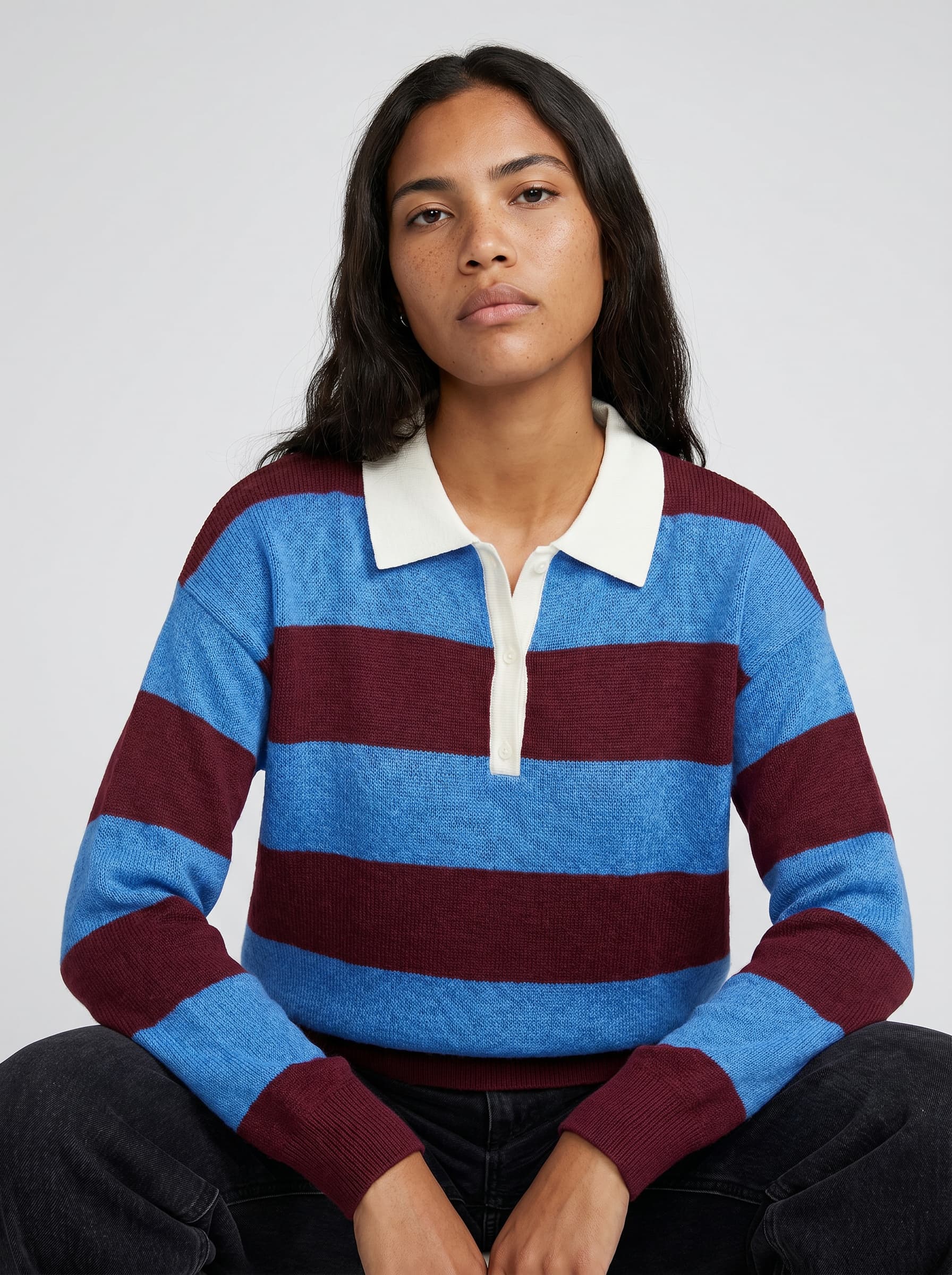
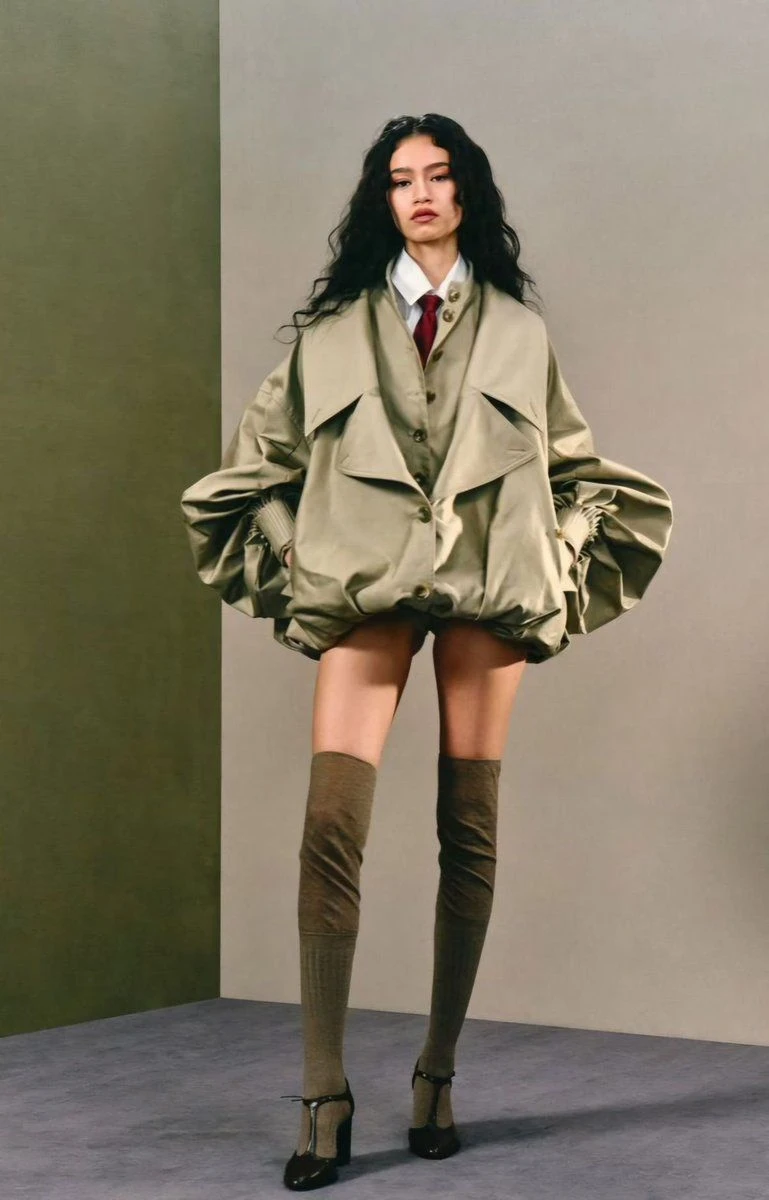
Note: On these two images, we can see a high degree of consistency from one face to the next — Images generated on Veeton.
Method 2 — Re-Use & Prompt: Visual Consistency Across a Collection
To maintain visual consistency across a collection, you first generate your fixed assets separately — model, background — then import them into each new product prompt.
Step 1 — Generate your reusable assets
- Identify the recurring elements across shoots: model and background first
- Prompt the model's face, iterate until you get the result you want, save the image
- Prompt the background, iterate, save
Step 2 — Produce the visuals
- Take the prompt from Method 1, remove the model and background sections
- Import the product image, the model and the background
- Write the rest of the prompt
- If the result works, generate more visuals. If not, prompt to retouch.
Game changing tip for the “Re-Use & Prompt” method: Before prompting a background, find an inspiration image and write the prompt you would have used to produce something similar. Then adjust for the specific details you want.
A prompt built from an inspiration image reduces the number of iterations needed to validate a background by 60%.
Advantage of the “Re-Use & Prompt” method: Consistent model and setting across the entire collection.
Limitation of the “Re-Use & Prompt” method: Repeatedly importing assets becomes time-consuming beyond 10 references. This method is not scalable for significant monthly production volumes.
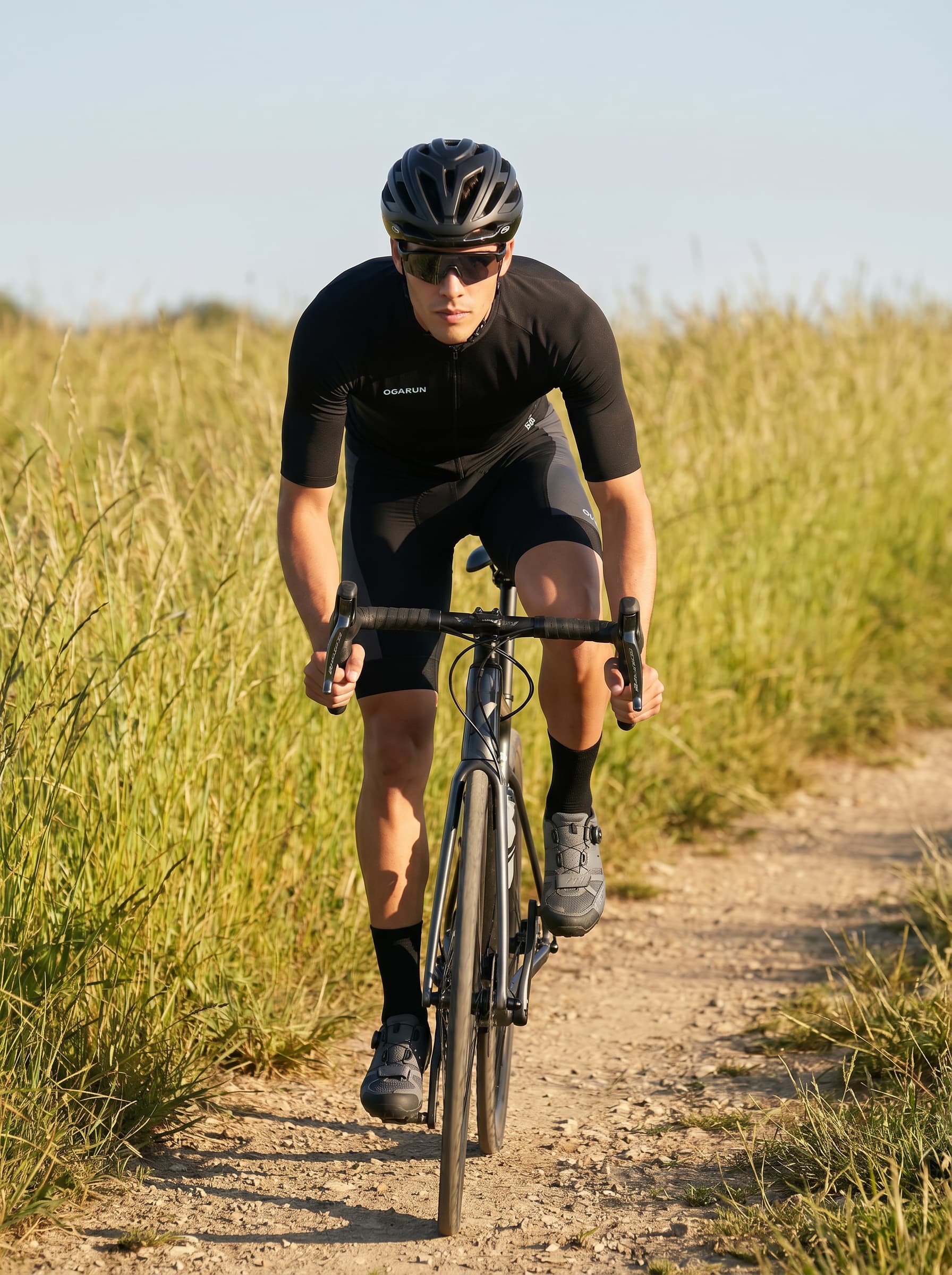
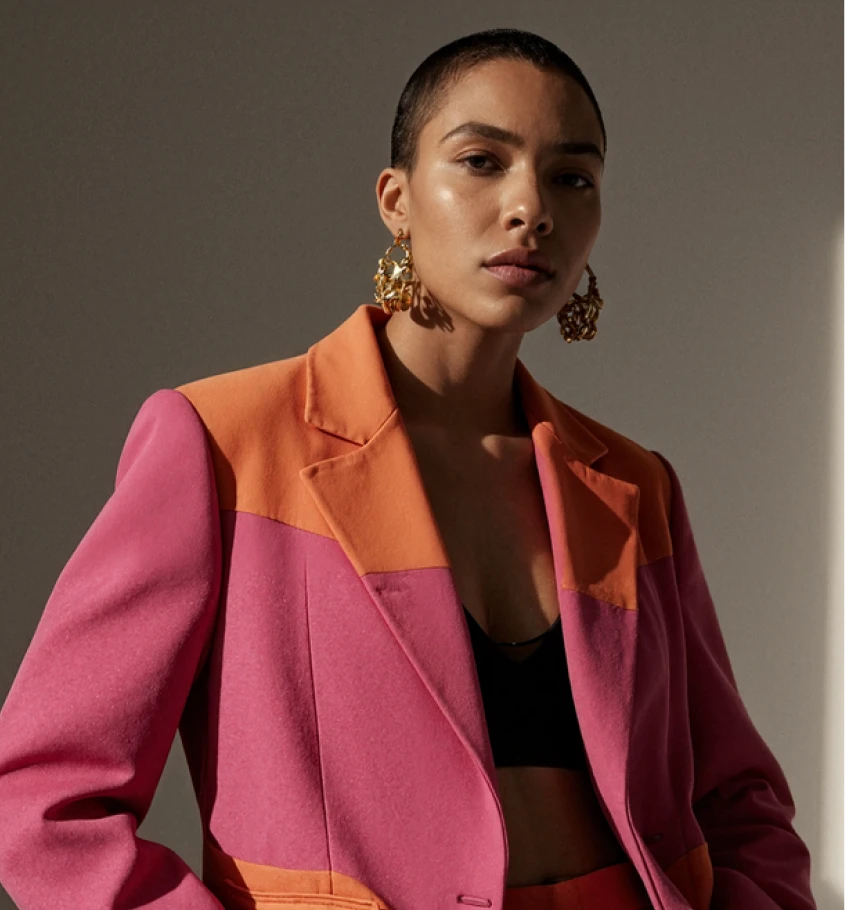
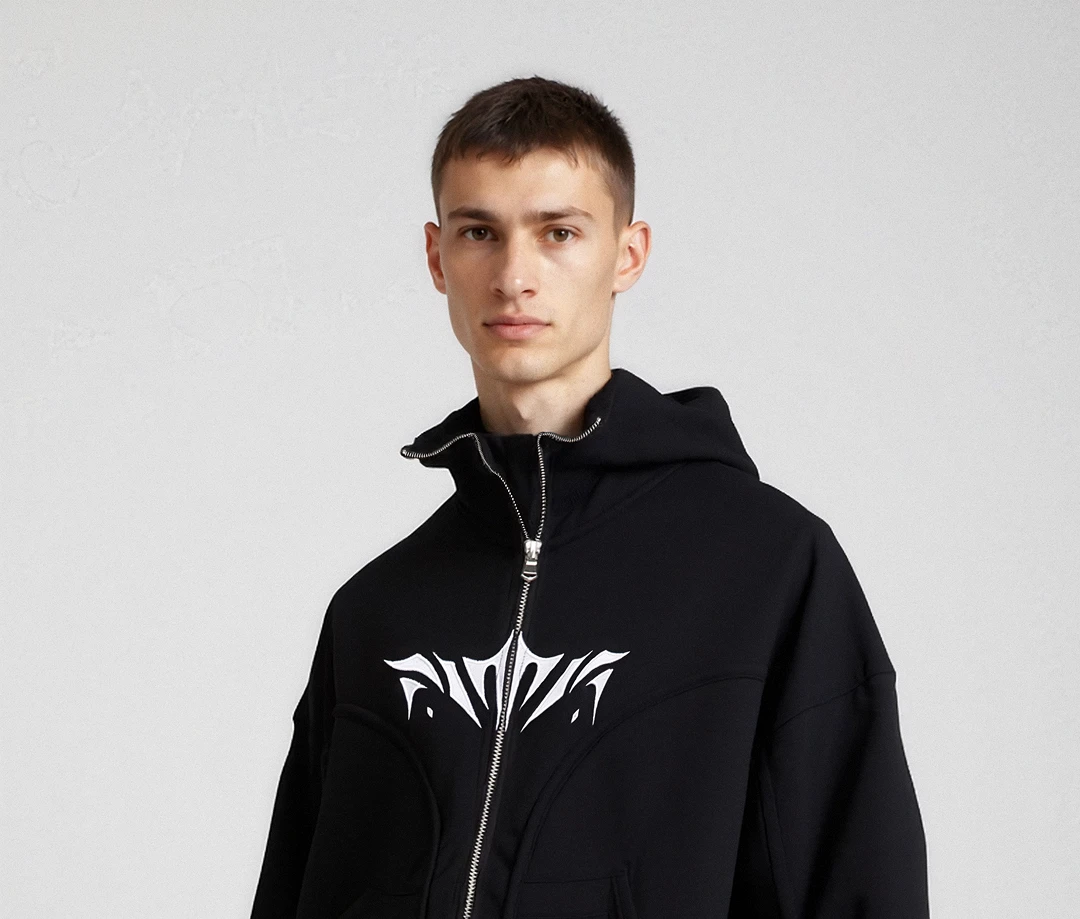
Note: These two images show two very different images generated by a generative model. Furthermore, we did not provide any prompts or instructions. We simply selected the elements we needed.
Method 3 — AI Photoshoot Generator: Scale Without Prompting
For brands releasing 20+ references per month, text prompting reaches its limits. Specialized tools like Veeton replace prompt writing with a visual interface: you select a model, a background, a pose — without writing a single line.
Step 1 — Configure the shoot visually
- Use a tool that lets you scale production without prompting: everything is image selection, no writing required for set design assets
- Reserve prompting only for post-generation retouching if needed
Step 2 — Choose the right tool
- Check that it offers a wide model catalog (or the ability to generate your own), varied backgrounds and a range of poses
- Make sure you can correct the visual output if needed
Veeton can process several hundred references in a matter of hours, whereas shooting on an LLM only allows you to handle one image at a time.
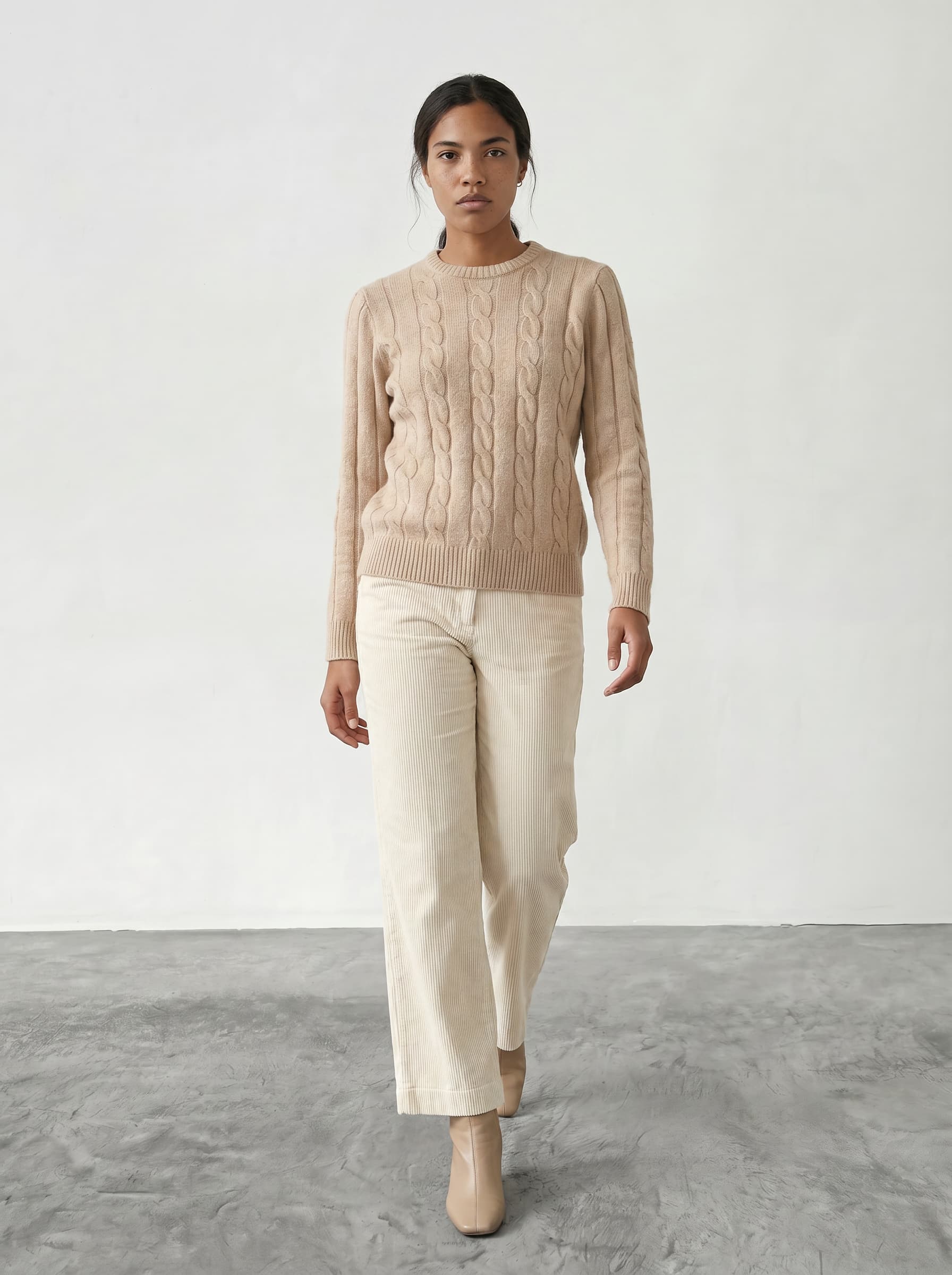
Note: One product, two styles, two different outfits… all in just a few clicks. Thanks, Veeton!
Game changing tip for the AI Photoshoot Generator method: Take advantage of this fashion-dedicated platform, which works hand in hand with fashion brands — reach out to them directly to talk about your needs.
Advantage of the AI Photoshoot Generator method: Everything is centralized on the same platform. All generations are saved directly on the AI photoshoot platform — in this case, Veeton.
Limitation of the AI Photoshoot Generator method: Very few limitations. Any friction points reported by users are quickly escalated to the team, who are highly agile when it comes to improving the product — ensuring continuous iteration. We can't speak for other AI photoshoot tools, but you can check out this article to discover the 20 best AI tools.
AI Clothing Brand Generator: Beyond the Product, Prompting for a Brand
An effective AI clothing brand generator doesn't just produce an image — it generates a visual that is consistent with the brand's identity. That's where the prompting strategy changes.
Building Brand Visual Consistency
For your AI visuals to look like a real fashion campaign, every parameter needs to be treated as a branding element:
- The model becomes your virtual brand ambassador: same profile, same expression from one photo to the next
- The background becomes your brand environment: warm, cool, urban, minimal
- The lighting reflects your positioning: raking light for premium, natural light for ethical brands
A high-performing brand prompt reuses the same 3 to 5 visual variables across the entire collection to create a recognizable signature.
Adapting the Prompt to Your Target Market
One of the key advantages of AI prompting in fashion is content localization. You can adapt the model to the market you're targeting:
- Scandinavian model to target Scandinavia
- Mediterranean model to target Southern Europe
- Plus-size model for an inclusive line
Veeton makes it possible to generate the same product on multiple model profiles, enabling visual A/B testing without any additional logistics.
AI Try On Clothes: Choosing the Right Tool for Your Volume
Not all AI try on clothes tools are equal. The choice depends on your monthly reference volume and your internal capacity to manage visual production.
Comparison Table: Manual Prompt vs AI Try On Clothes Platform
Criteria | Manual prompt (ChatGPT, Midjourney) | Dedicated tool (Veeton) |
|---|---|---|
Target | Small brands, < 10 refs/month | Brands from 10 to 60,000 refs/year |
Strength | Granular control | Scalability & consistency + prompt correction |
Pricing | LLM subscription (~$20/month) | Freemium then from ~€30/month |
Features | Free text prompt | Visual interface + batch generation |
Limitation | Variability, not scalable | Requires clean product photos |
When to Move from Manual Prompting to a Dedicated Virtual Try On Tool
The threshold is clear: once you're releasing more than 10 references per month, manual prompting costs more time than it saves. Tools like Veeton are built to industrialize production without sacrificing quality.
- Starter (~€$30/month): ideal for small brands and early-stage DNVBs
- Pro (~$70/month): suited to established brands with regular content needs
- Studio (custom pricing): for retailers and marketplaces with industrial volumes
Veeton positions itself on the "scalable fashion e-commerce" segment: high-definition AI visual production, from small businesses to large retailers.