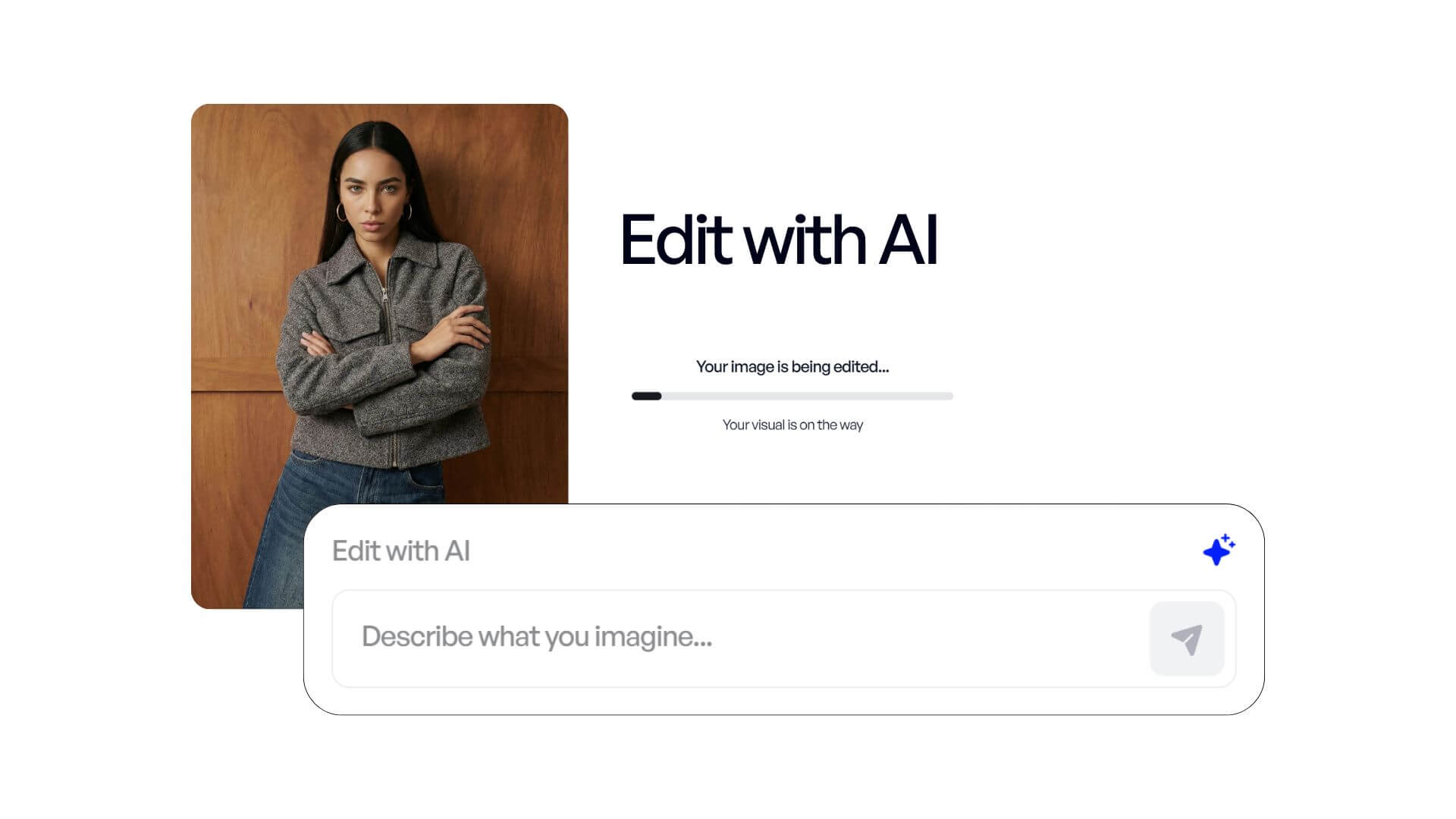
Edit your AI Photoshoot with our New Feature: "Edit with AI"
We are thrilled to introduce Edit with AI, a powerful new tool designed to give you total creative control over your generated photoshoots. Sometimes, the perfect shot requires a final touch of precision; this feature allows you to iterate and refine your images instantly through intuitive prompting.
1. Seamlessly Integrated into Your Workflow
The Edit with AI feature is designed to be used as the final step of your creative process. You simply follow the standard Veeton workflow:
- Upload your products and select your models.
- Generate your initial photoshoot.
- Refine: If the result needs adjustment, simply use the "Edit with AI" text bar to describe your changes. Our AI will process your instructions and update the image accordingly.
2. Key Use Cases for Precision Styling
To help you get the most out of this update, here are the primary ways you can leverage AI editing to achieve professional-grade results:
-
Correcting Product Details: While our AI is highly accurate, some complex textures or patterns might require a final 5% adjustment. Use the prompt to point out specific details that need sharpening or correcting.
-
Color Calibration: Lighting conditions in uploaded photos can sometimes shift the perceived fabric color. You can now prompt the AI to adjust the saturation or hue to ensure your digital twin perfectly matches the physical garment.
-
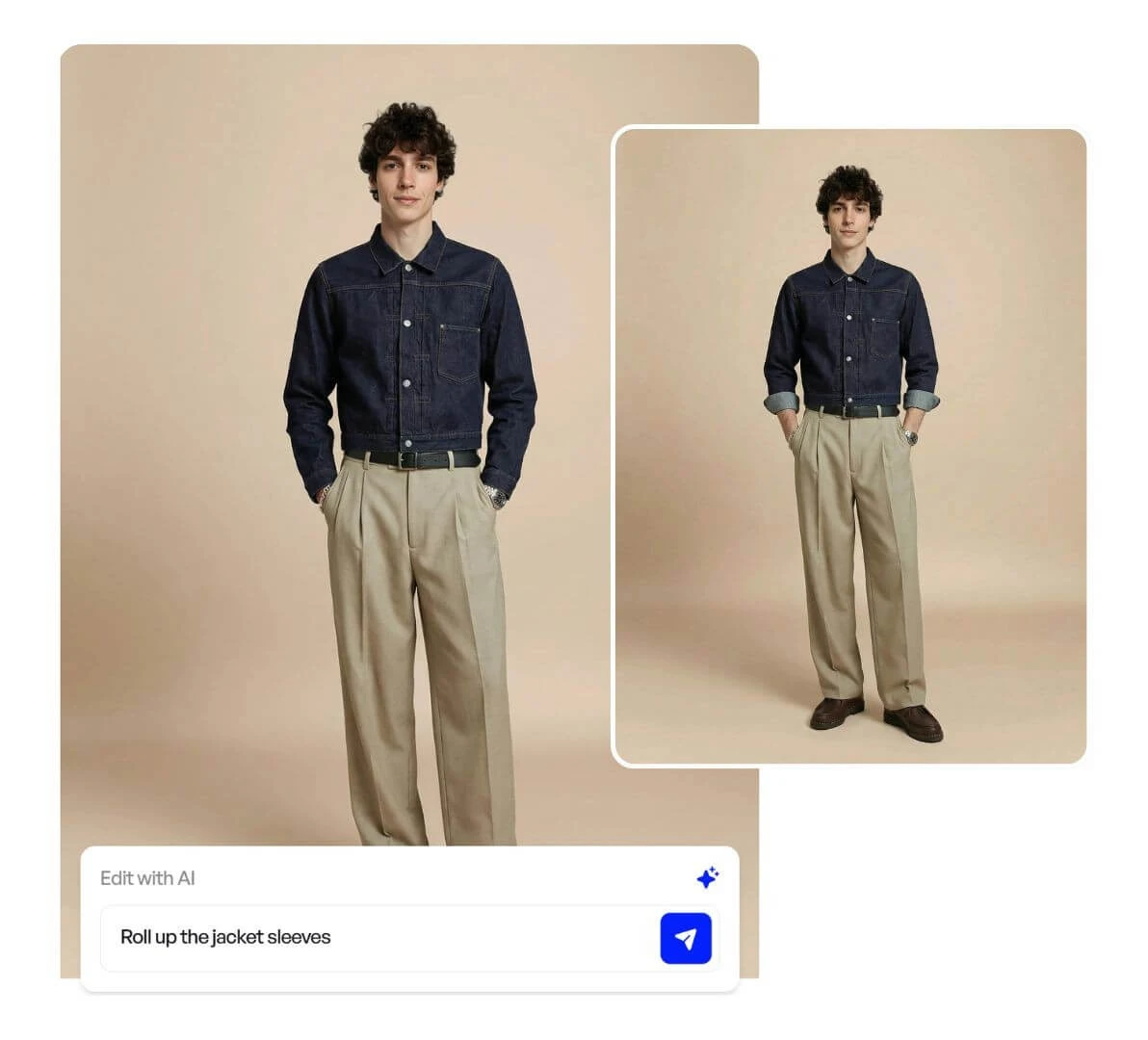
Advanced Product Styling: Achieve the exact "vibe" you want. You can request specific styling cues, such as:
- “Roll up the shirt sleeves.”
- “Unbutton the top three buttons of the blouse.”
- “Add a cuff/hem to the trousers.”
-
Outfit & Accessory Management: Easily add or remove accessories (like jewelry or bags) that the AI may have suggested, ensuring the focus remains exactly where you want it.
-
Environment & Model Adjustments: Quickly change the background color to match a new collection theme or provide specific instructions to subtly shift the model’s posture for a more natural look.
3. Take Control of Your Content
This update is about more than just editing; it’s about reducing retakes and ensuring that every image meeting your brand’s high standards. By combining our automated workflow with your specific creative direction, the "Edit with AI" tool bridges the gap between AI generation and brand requirements.
Ready to perfect your latest shoot?
Log in to your dashboard and try the "Edit with AI" bar on your next generation.