
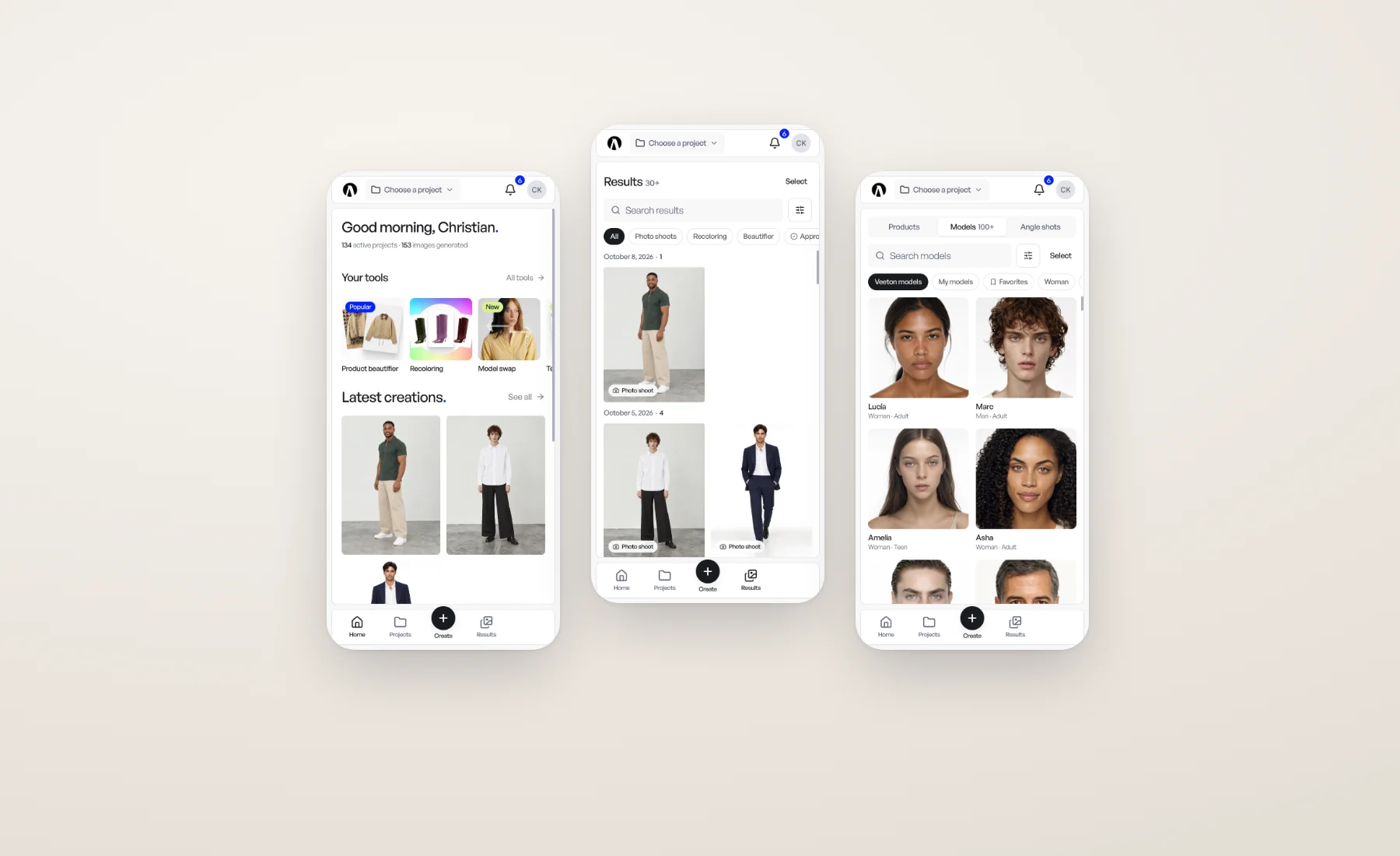
The best moment to photograph a new sample is when it's in your hands, in the showroom or on the cutting table. The best moment to check a batch of results is often when you're away from your desk.
So Veeton now works on your phone. Not a shrunken copy of the desktop: a layout made for a thumb, with a bar at the bottom, screens that fill the display, and the tools that make sense on the go.
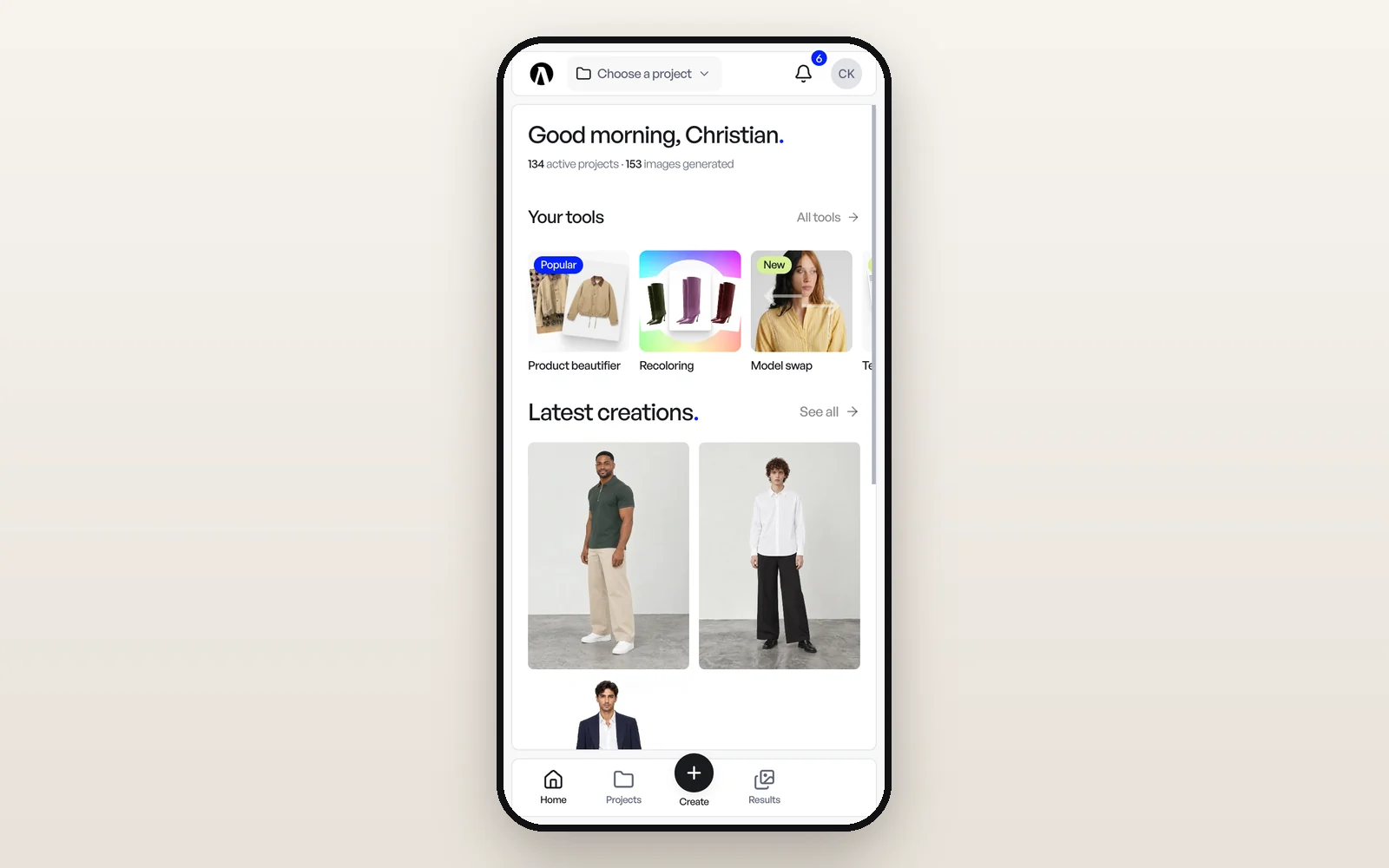
Photograph your products where they are
Tap Create in the bottom bar, then Import products, and tap Take photo: the camera opens, one shot, then the next. Or pick several photos From gallery.
Shooting a product from several sides? Switch to Views of one and the photos group under the product you're shooting, front first, then back and details. Tap Add another product to move on to the next piece. Your photos land in the project you have open, ready for a photo shoot back at your desk.
Run the simple tools from your phone
Seven tools work on a phone, each filling the screen with numbered steps and a clear Launch button that shows the cost in credits:
- Recoloring
- Product beautifier
- Product extractor
- Sketch to image
- Model swap
- 360° video
- Tech pack to product
They spend credits exactly as on a computer, and the results show up in Results. Photo shoots, Model generation, Fashion videos and Editorial stay on a computer: open one on a phone and Veeton says so and lets you email yourself the link. Editing a result in the image editor is done on a computer too.
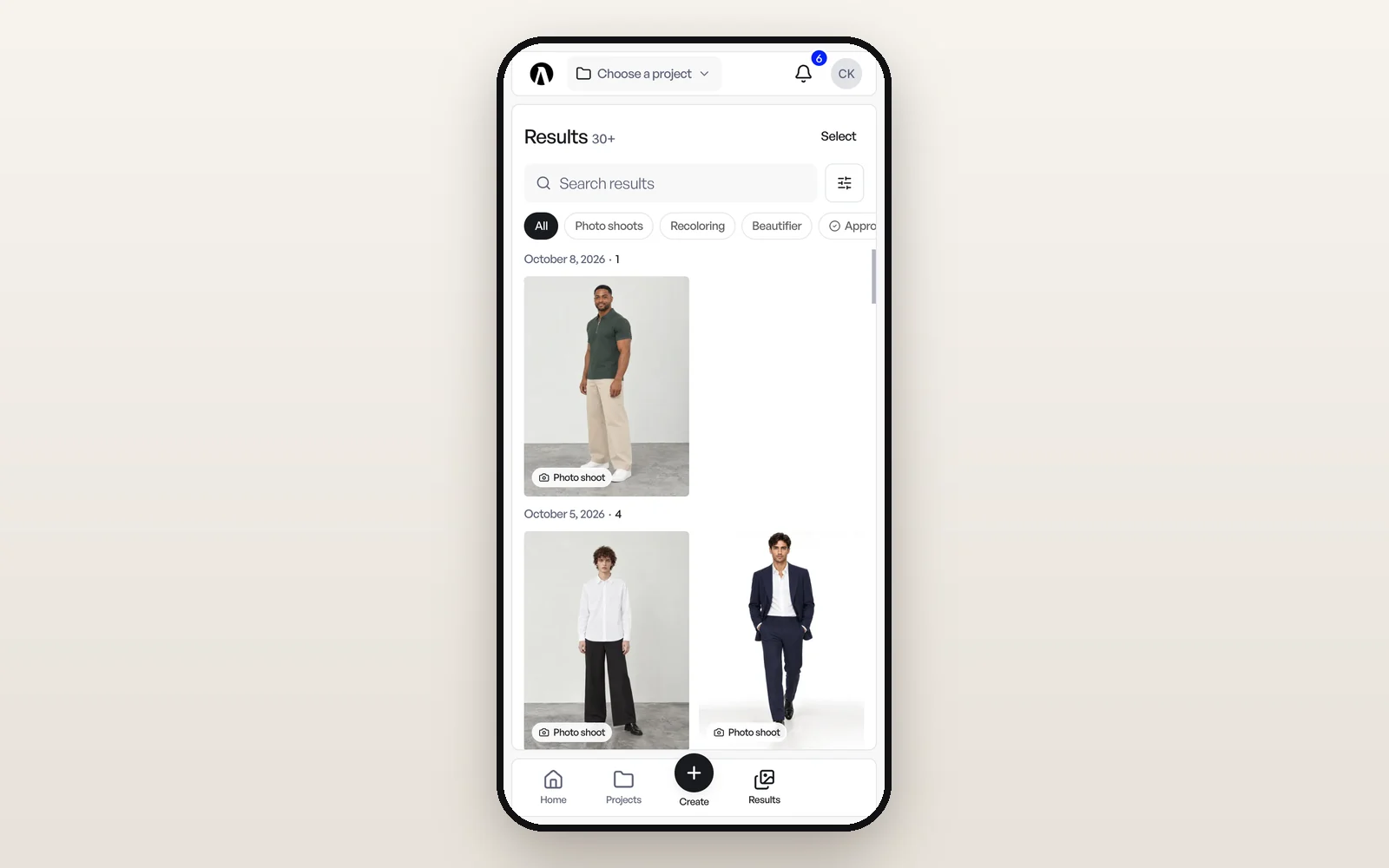
Review results wherever you are
Results is grouped by day, with chips to narrow it in one tap: Photo shoots, Recoloring, Beautifier or Approved. Open a result and it fills the screen. Pinch to zoom, swipe to the next one, and pull it down to leave.
From there you can set its review status (approved, in review or rejected), comment, move it to a project, or tap Download to save it straight to your photos. Hold a tile to select several and approve, move, archive or delete them in one go.
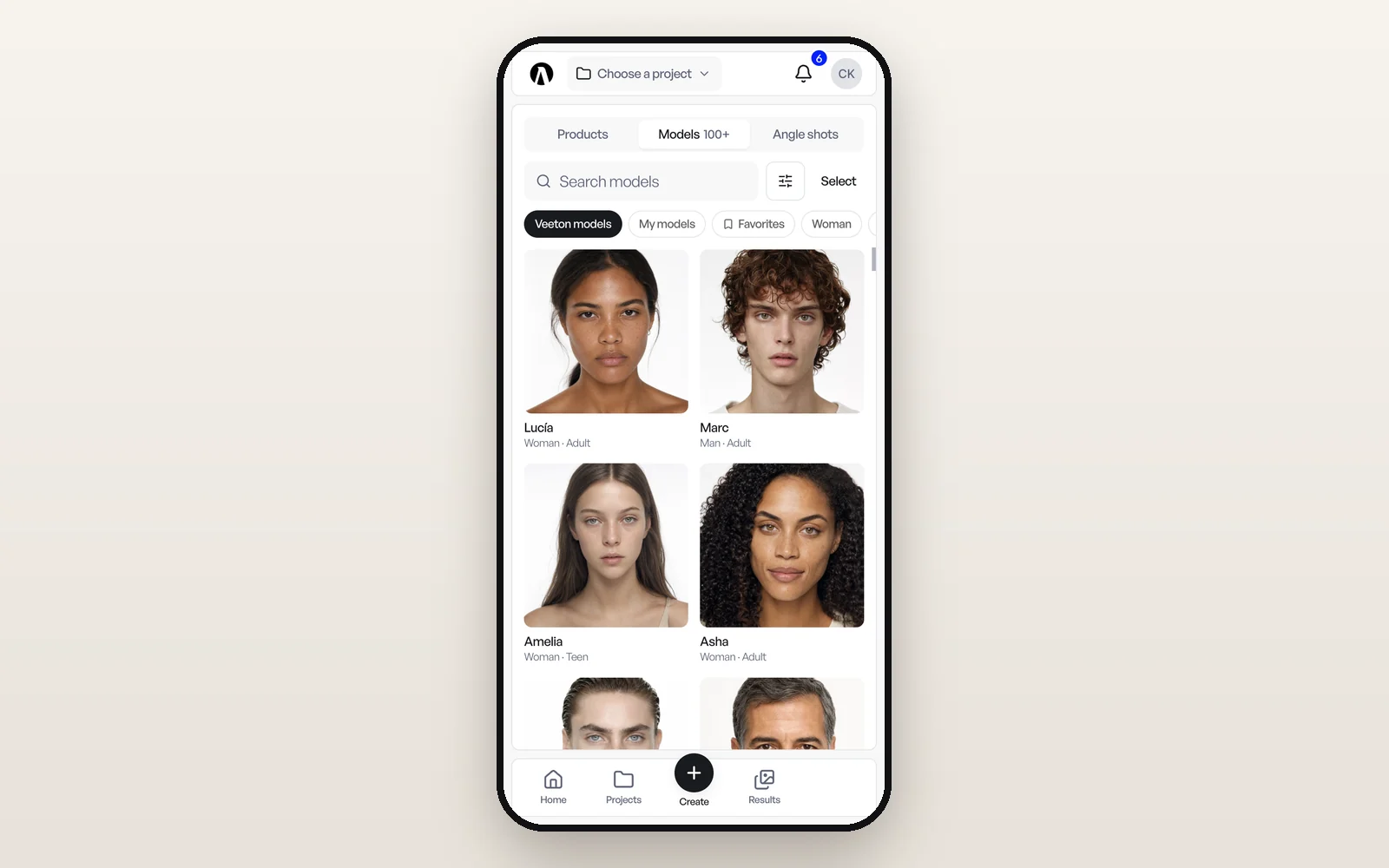
Your library, in your pocket
Library holds your Products, Models and Angle shots, with search, filters and tags. Open a product to see its views edge to edge, add a photo with the camera tile, or fix its name and reference in a tap. From the product, Recolor and Beautify start those tools with the product already picked.
Projects, credits and billing too
Create a project or switch between them from the name at the top of the screen. Your picture at the top right opens your account, with the credits you have left and Top up to buy more. Billing works fully: change plan, buy a credit pack, add a card or pay an invoice.
Add it to your home screen
There's nothing to download from a store. Open studio.veeton.com on your phone, then:
- iPhone (Safari): Share → Add to Home Screen
- Android (Chrome): Install, or Add to Home screen in the browser menu
It opens on your dashboard like an app and always loads the latest version.
Everything the phone can do is in the Help Center: Using Veeton on a phone and Your library and results on a phone.