
An image rarely goes live on one person's say-so. A merchandiser spots a sleeve that should be rolled, a brand manager wants a warmer background, someone has to give the final yes. Until now that conversation happened in screenshots, Slack threads and spreadsheets next to Veeton.
Over the past weeks we brought it inside the studio, in three steps: comments on every result, a notification center that tells you when something needs you, and a review status that says, for every image, where it stands.
Comments, right on the result
Open any result and click Comments. The panel opens beside the image, so you discuss the picture while looking at it. Write your note, press Post, and everyone in your organization sees it on the same result.
A few details make it feel like a real conversation:
- Mention a teammate by typing @ and picking a name from the list. They get notified, even if they never opened that project.
- Reply to a specific comment. Your answer quotes the message it responds to, so a thread stays readable when three people chime in.
- Edit or delete your own comments. An edited comment is marked as such.
A notification center that brings you back
The bell in the top bar is now the one place to see what happened while you were away. A blue counter shows how many notifications you haven't read, and your browser tab carries a small dot, so you notice it even when Veeton sits in a background tab.
Here is what lands there:
- Your results are ready. Launch a photo shoot, move on to something else, and the bell tells you when the images are in. Click it to open them.
- A generation failed, so you never wait for something that isn't coming.
- An export is ready to download. Click the notification and the zip downloads, no need to go back to the page you exported from.
- A detail fix is complete, with a link straight to the image.
- Someone mentioned you or replied to you in a comment.
- News from the Veeton team. New features and planned maintenance show up at the top, under New from Veeton, with Open to see more or Got it to move on.
Mark all as read and Clear all keep the list tidy. More on announcements in the Help Center.
Review status: one verdict per image
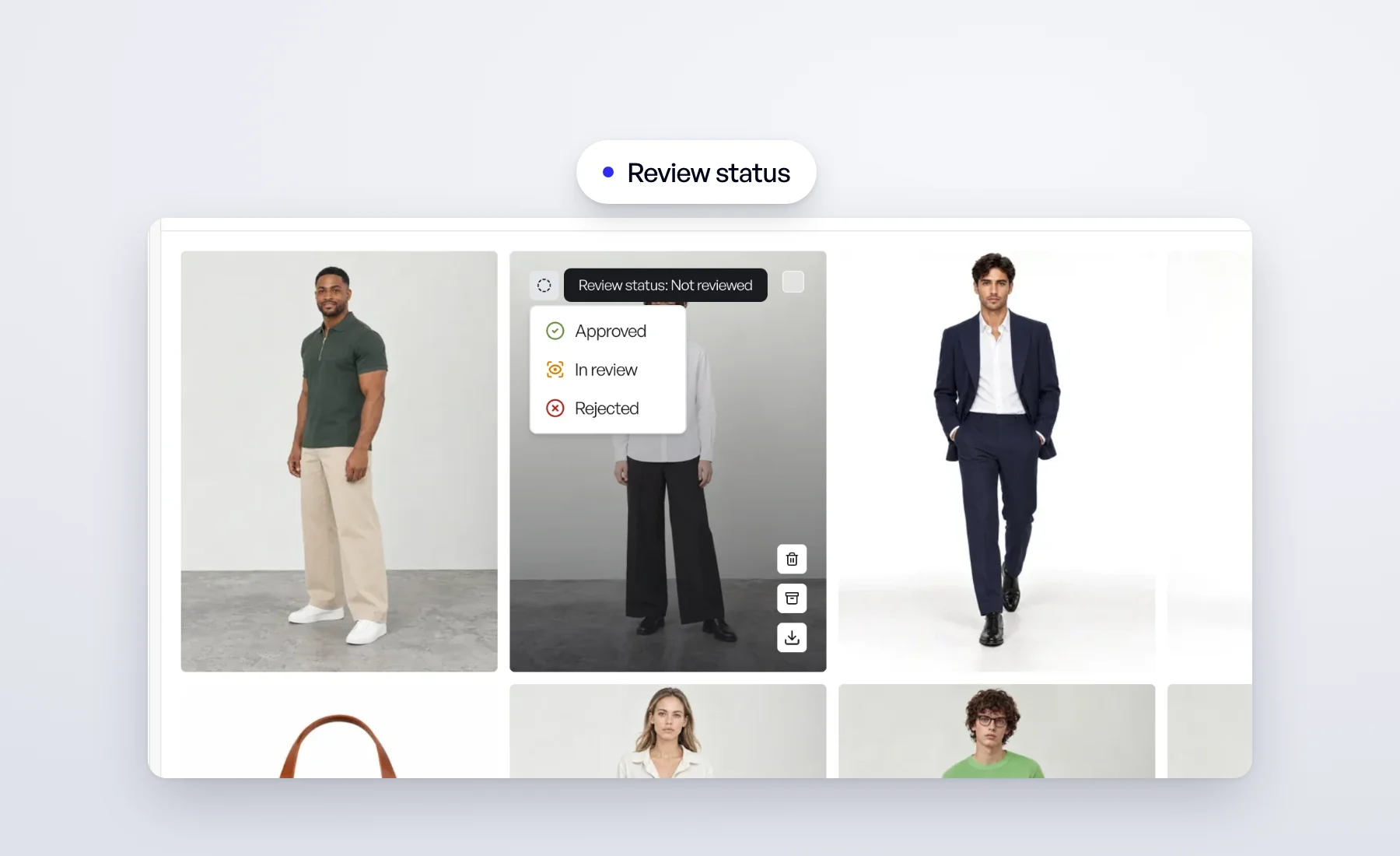
Comments say what to change. The review status says where an image stands. Every result now carries one of four statuses:
- Not reviewed — nobody has looked at it yet.
- In review — someone is on it, or it is waiting on a change.
- Approved — ready to ship.
- Rejected — not going anywhere.
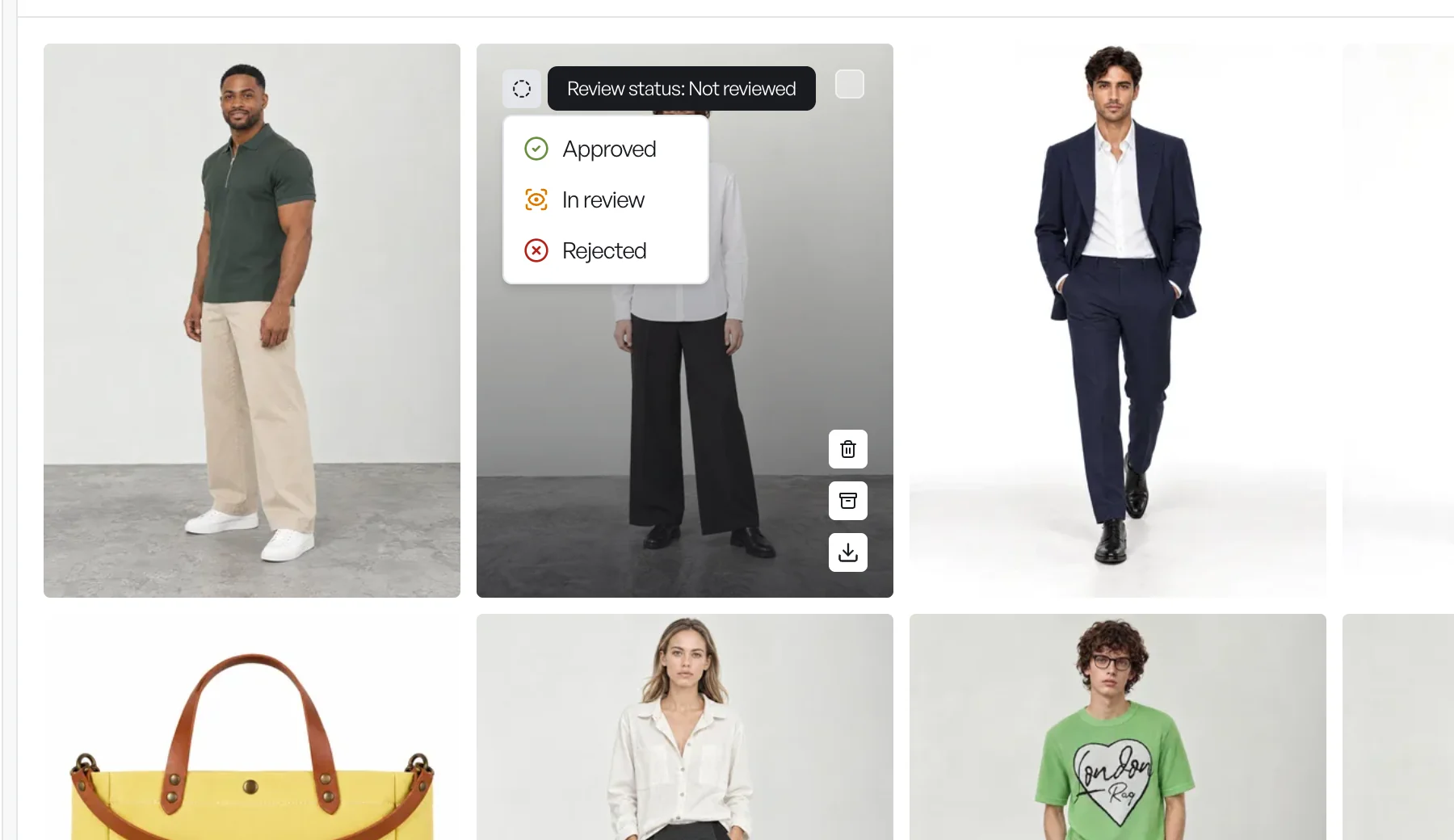
Set it from the top-left corner of any card in the gallery, where the current status shows as an icon, or from the review status button in the result view once you have looked at the image up close. Nothing changes a status on its own: it moves only when someone on your team decides.
Then use it to run your review:
- Filter the gallery on a status to see only what still needs a look, or only what is approved and ready for export.
- Group by review status to lay the whole gallery out as a board: not reviewed, in review, approved, rejected.
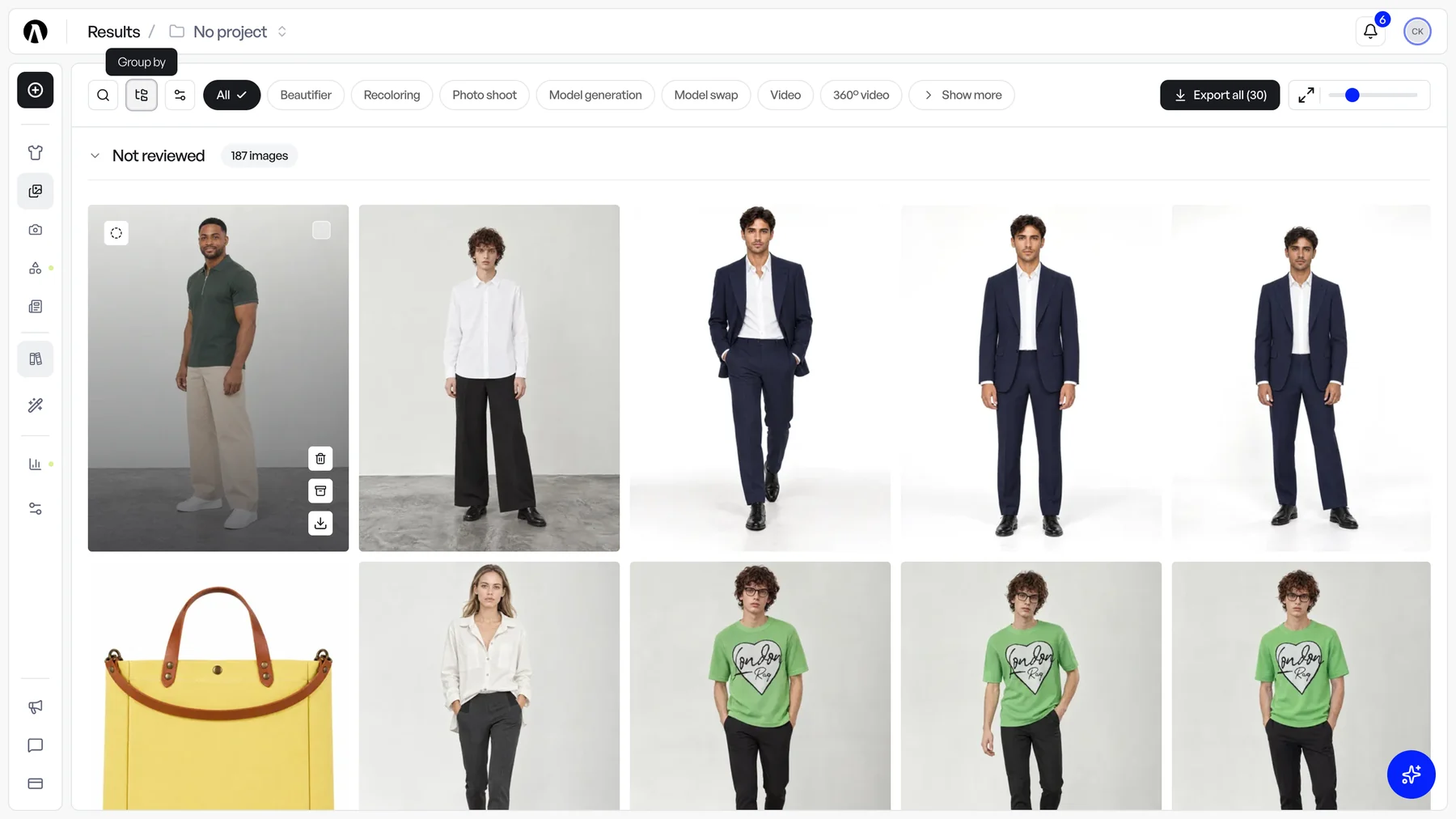
If you liked results with the heart, nothing is lost: every result you had liked starts out as Approved.
How it fits together
A typical round now looks like this. The bell tells you a photo shoot is ready. You open the gallery filtered on Not reviewed, approve what works, and leave a comment with an @mention on the image that needs a fix. Your teammate gets the notification, fixes it and sets it to Approved. Filter the gallery on Approved and export what is ready.
Everything stays on the image it is about, visible to everyone in your organization.