
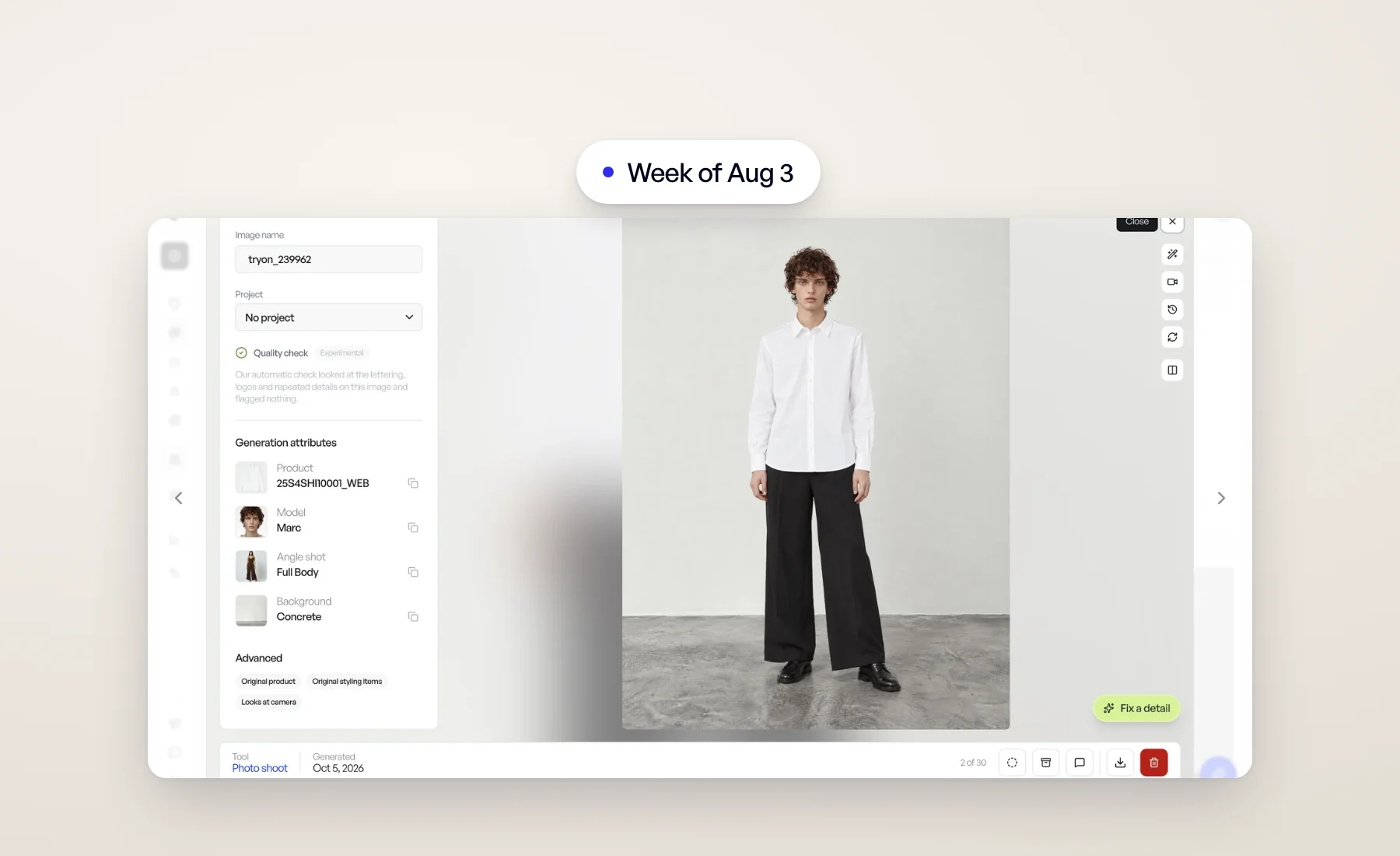
This week is about framing: images that keep the shape of the picture you started from, and a result view with more room for the image itself.
Editorial: from moodboard to campaign image
Catalog images sell the product. Editorial images sell the brand. Editorial starts from a reference you like, such as a moodboard photo or a campaign you admire, and Veeton reads it to write the prompt for you. Then you cast your own products, models and angle shots into it, and generate.
You can also start From scratch and describe the scene yourself.
Open it from Studio › Editorial in the sidebar. The Help Center guide walks through every step.
An aspect ratio that follows your reference
Editorial and Model swap now offer Auto as an aspect ratio, and it is the default. A portrait reference stays portrait, a square one stays square, with nothing to pick. Photo shoots also default to Auto, so each angle shot gets the framing that suits it.
Prefer a fixed ratio for your brand? Set it once per tool, Editorial included, in Configuration › Preferences › Generation.
Barefoot when you want it
Photo shoots have a new Footwear option in the advanced settings. Auto lets Veeton choose shoes that match the outfit; Barefoot leaves the feet bare. It is ignored when your product or styling items already include shoes.
Several phone photos, one product
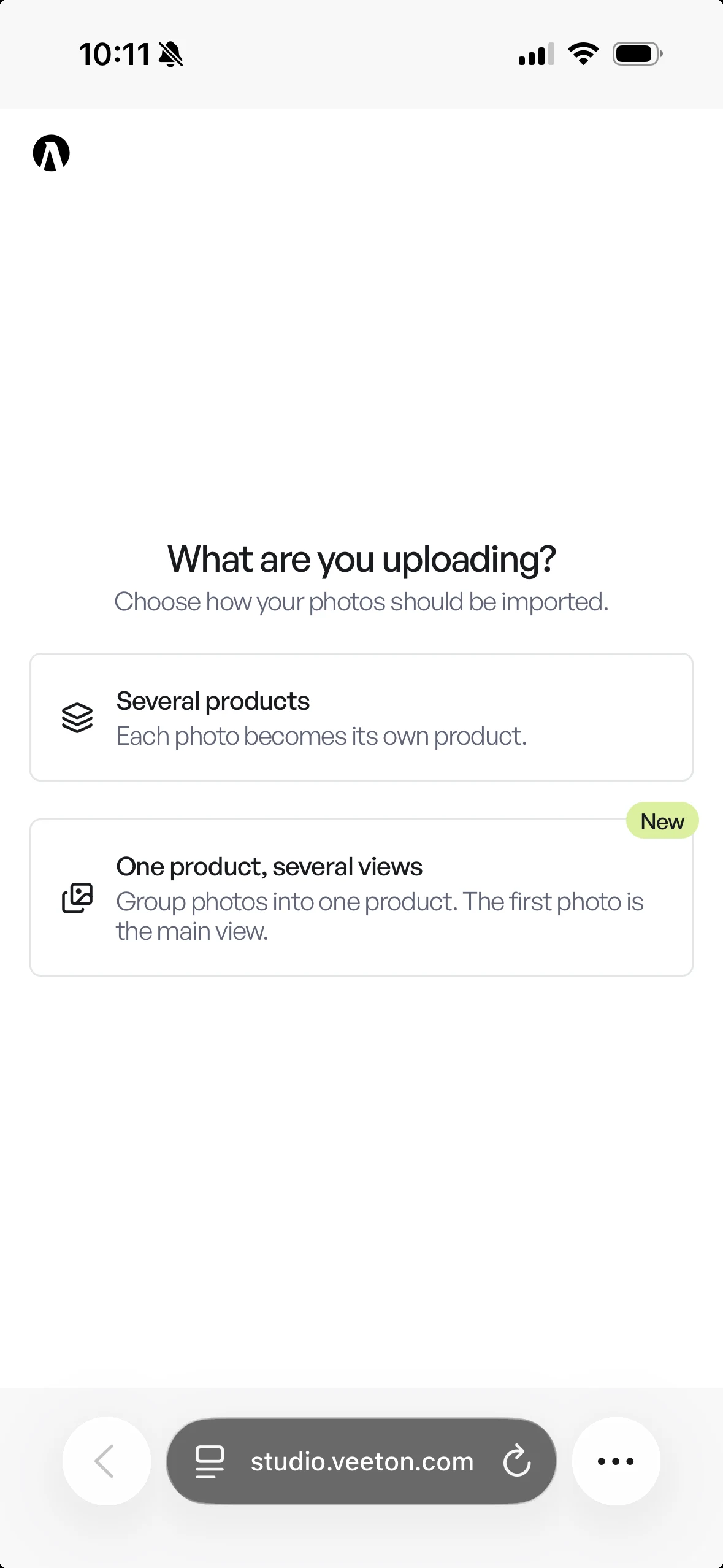
When you import from your phone, choose One product, several views to group your shots under a single product. The first photo becomes the main view, which makes front, back and detail shots of the same item easy to capture in one go.
A roomier result view
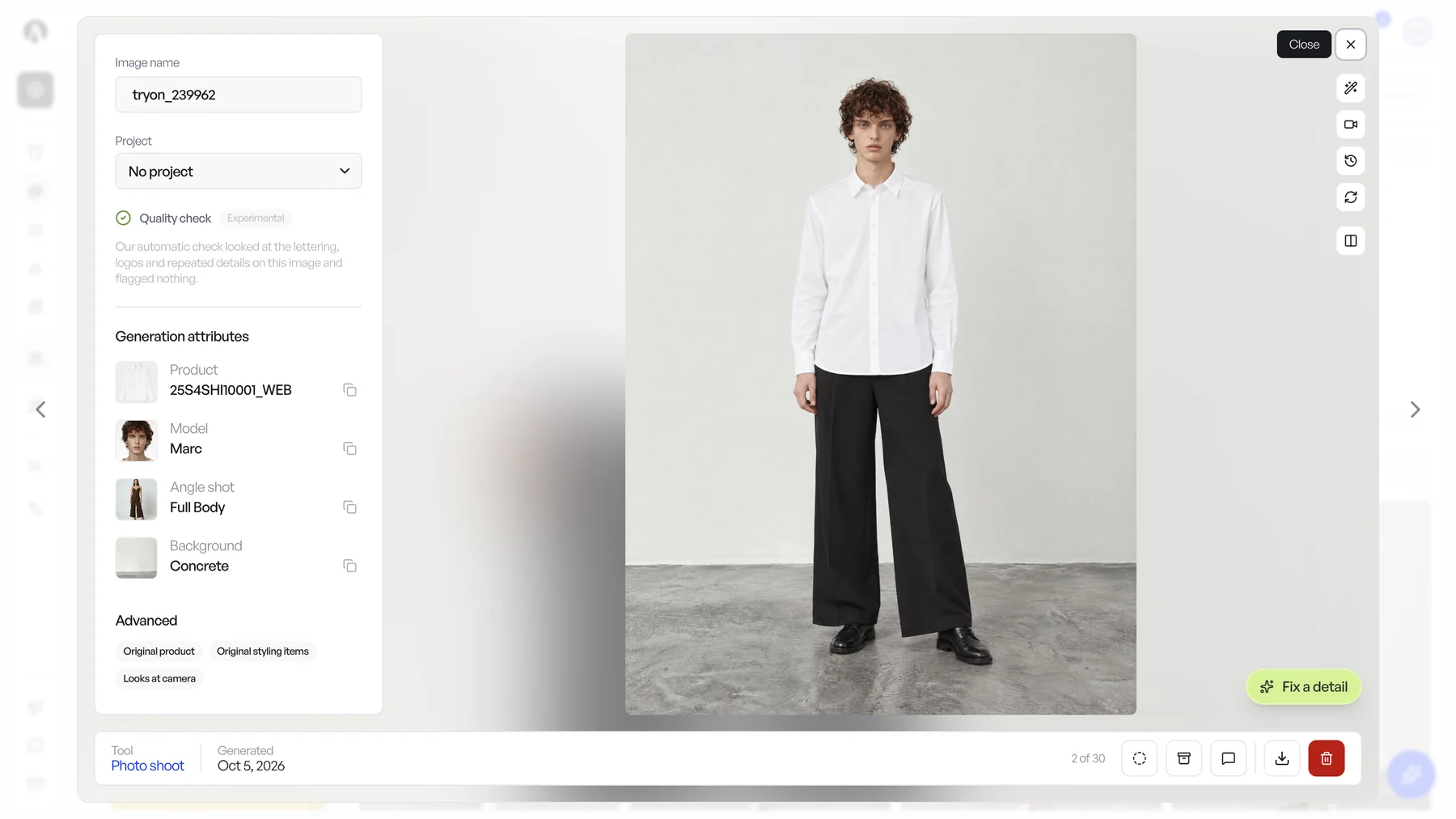
The result view is larger on wide screens, and the extra space all goes to the image. The details panel now stays open while you compare an image with its source, so you never lose the product name, project or settings.
Edits in progress are now visible everywhere: on the image, as the newest row in its version history, and as a small spinner on its card in the gallery. You no longer need to open a result to know something is still running on it.
Also this week
- Model swap has an upload card at the start of its gallery to add a photo, and its results now show the angle shot used.
- Products show their beautified image by default across photo shoot screens, when they have one.
Open Veeton and try Auto on your next Editorial image.