
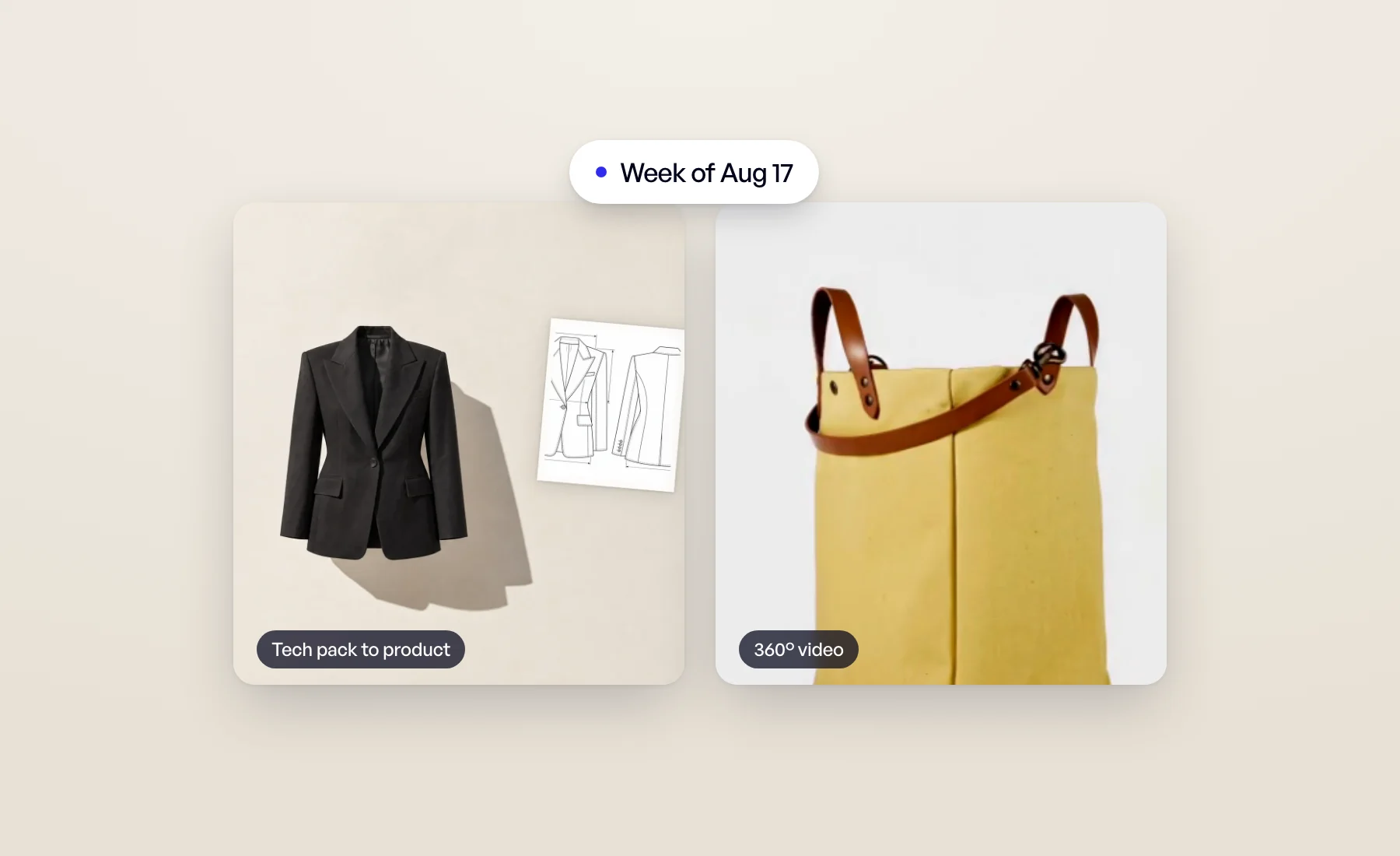
Two new tools joined the studio this week, and Veeton now tells you when your work is done.
360° video: give any product a spin
Pick one of your images and Veeton turns it into a smooth 360° turn of the product. It is a quick way to add motion to a product page without a turntable or a video shoot.
Tech pack to product, in bulk
Drop the tech pack PDFs from your design team and get realistic product images back, front and back views included. You can send a whole batch at once instead of going through them one by one, which matters when a collection has dozens of styles.
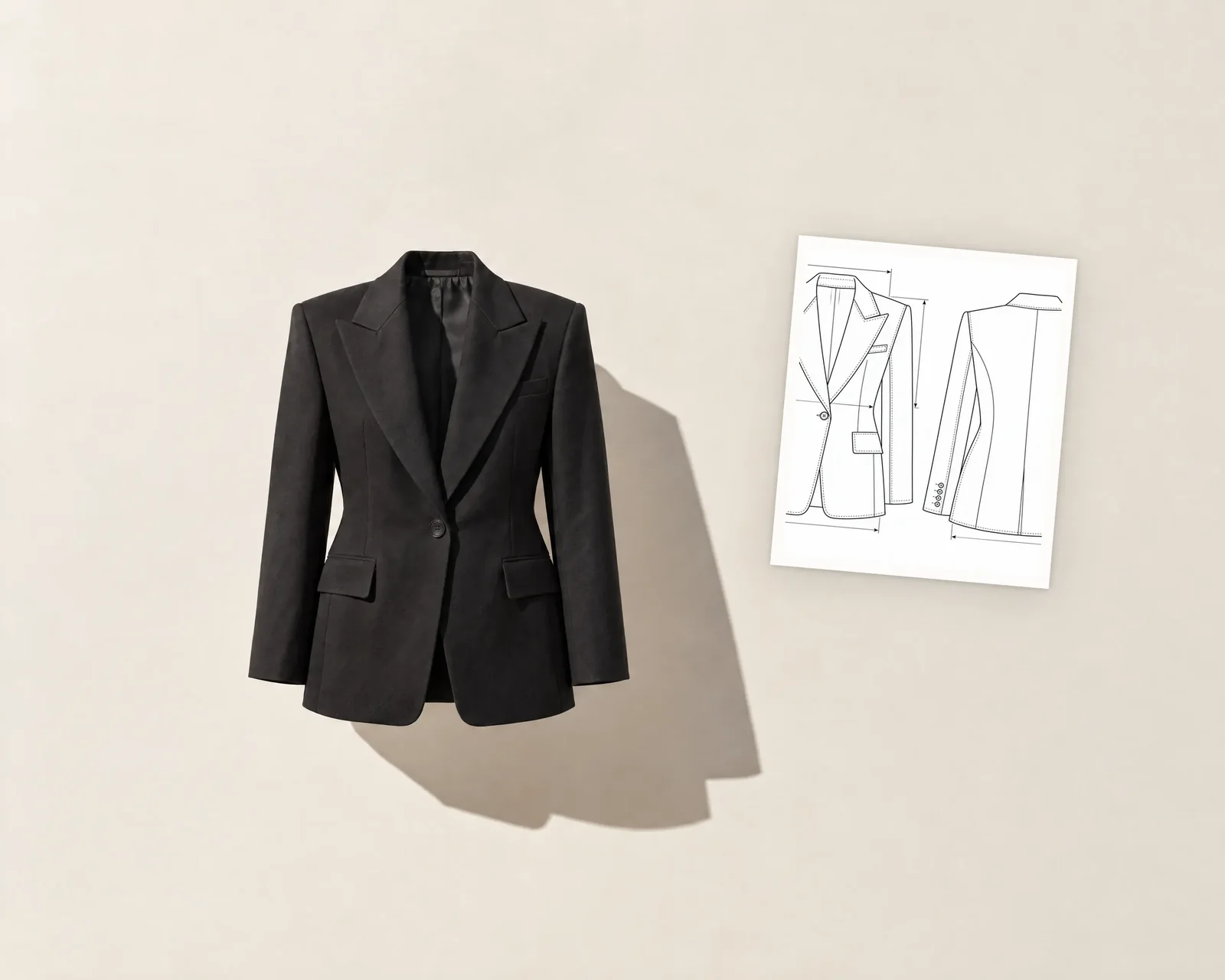
Both tools are covered in detail, with demos, in New AI tools: 360° product videos, tech packs, worn photos and sketches.
Know when it's ready
Generations take a moment, and you shouldn't have to keep checking. The bell in the top bar now tells you when a generation is ready, when an export is ready to download, and when something didn't go through. Click a notification to open the result.
If you're working in another tab, a small dot appears on Veeton's tab icon while you have unread notifications.
Notifications kept growing in the weeks after: mentions, downloads and announcements. Read the whole story in Review and approve AI fashion photos as a team.
One page for every tool
The sidebar now has an All tools entry, and the dashboard an All tools card. Both open one page listing everything Veeton can do, from photo shoots to videos, so a tool you haven't tried yet is never hard to find.
Open All tools and pick something new to try.