
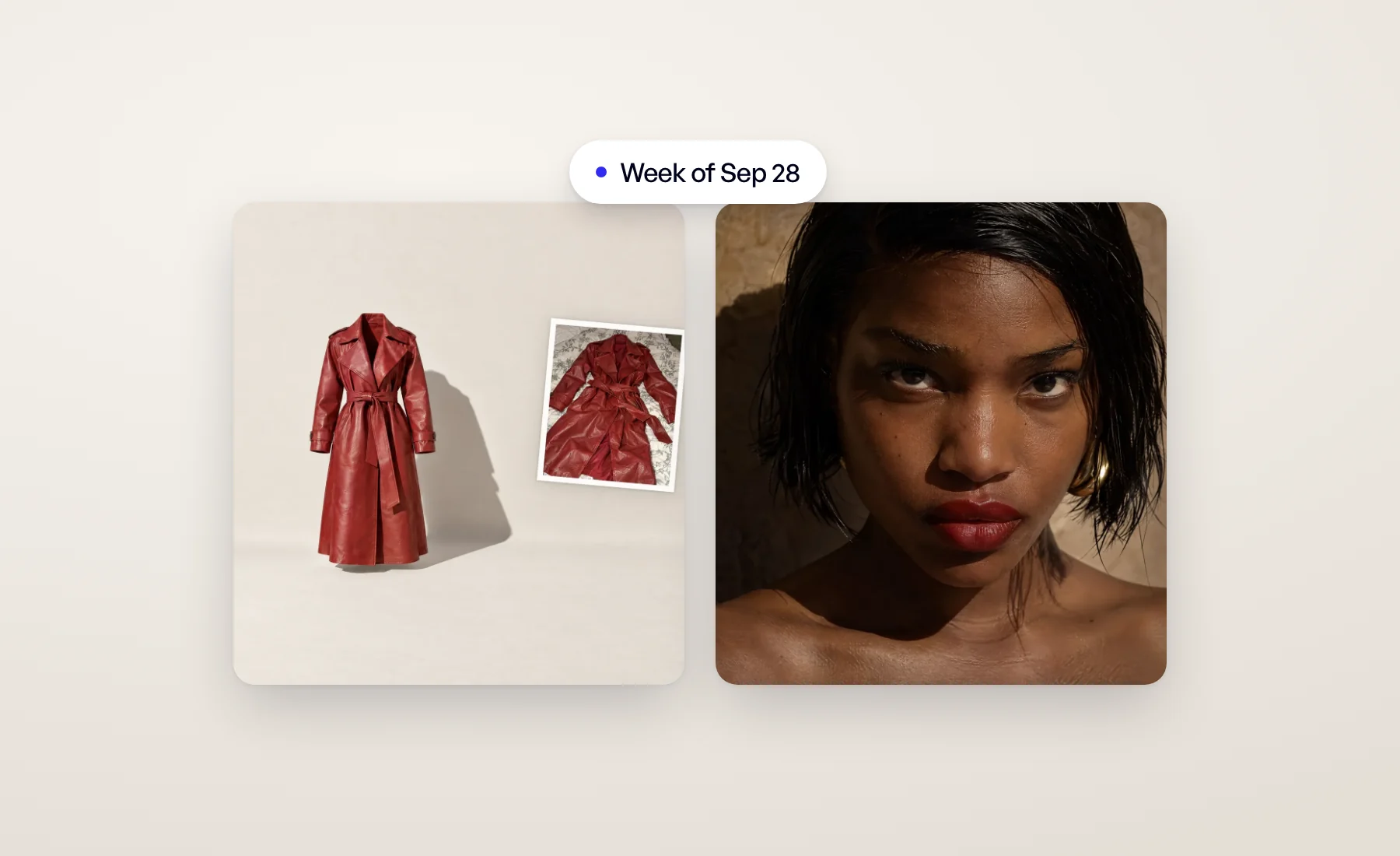
A week of craft: better packshots, friendlier models and fewer clicks in model swap.
Ghost mannequins that keep their shape
A ghost mannequin packshot should look like the garment is worn by an invisible body, not laid flat on a table. The Product beautifier now gives every ghost mannequin real volume, even when your photo shows the product folded, hanging or lying flat. Openings such as the neckline and the cuffs show depth and a glimpse of the inside. When you ask for the back and your photo shows the front, the back is built for that view, not copied from the front.
Plain backgrounds stay perfectly even: no gradient, no vignette, no stray shadow. That's what you need for a product grid.
Models with a first name
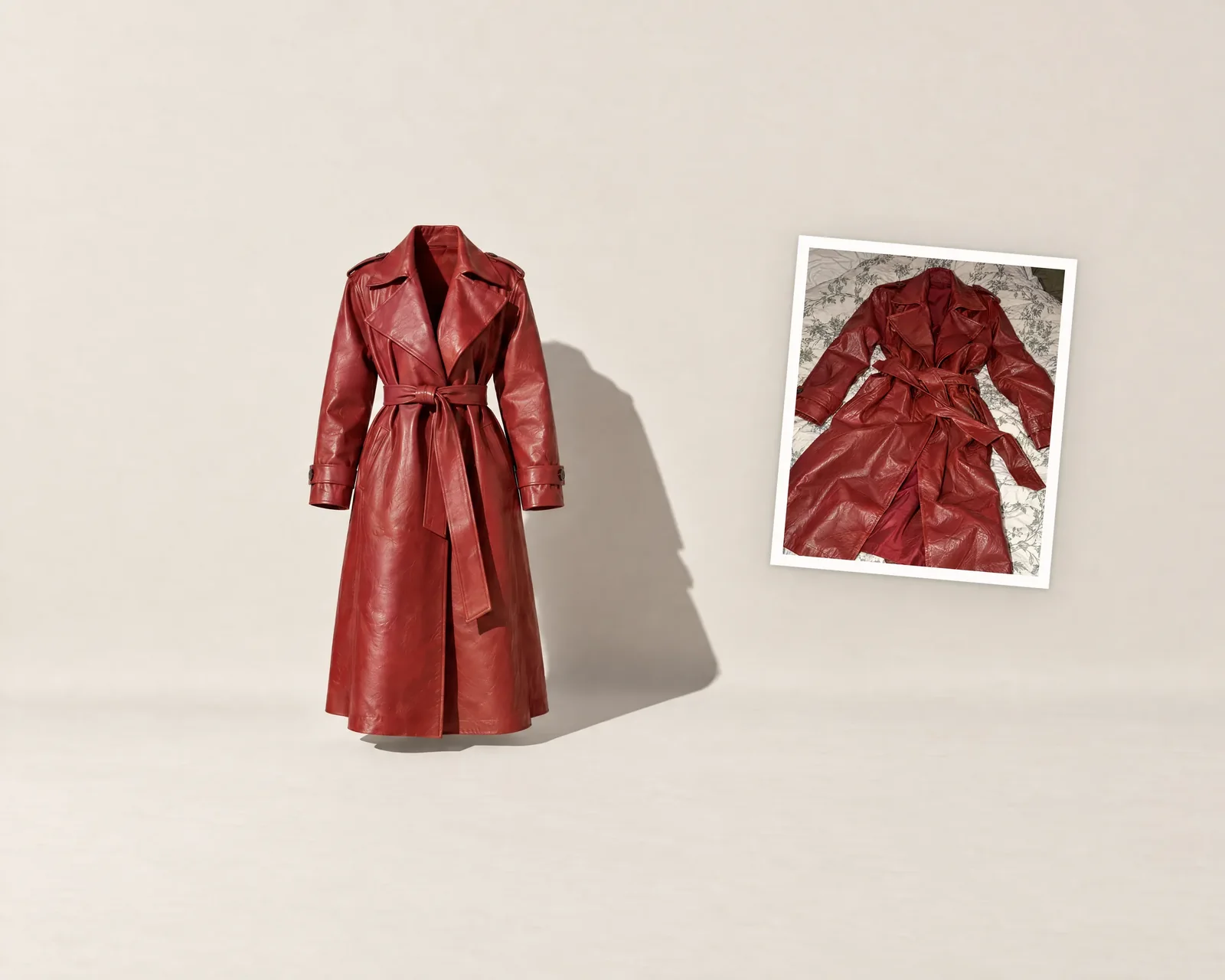
A model you generate now gets a real first name, picked to fit the model and unique within your organization. Editing that model keeps the name. It's easier to find the right face in your library, and to say "use Clara for the denim" to Louis.
Several angle shots in one model swap
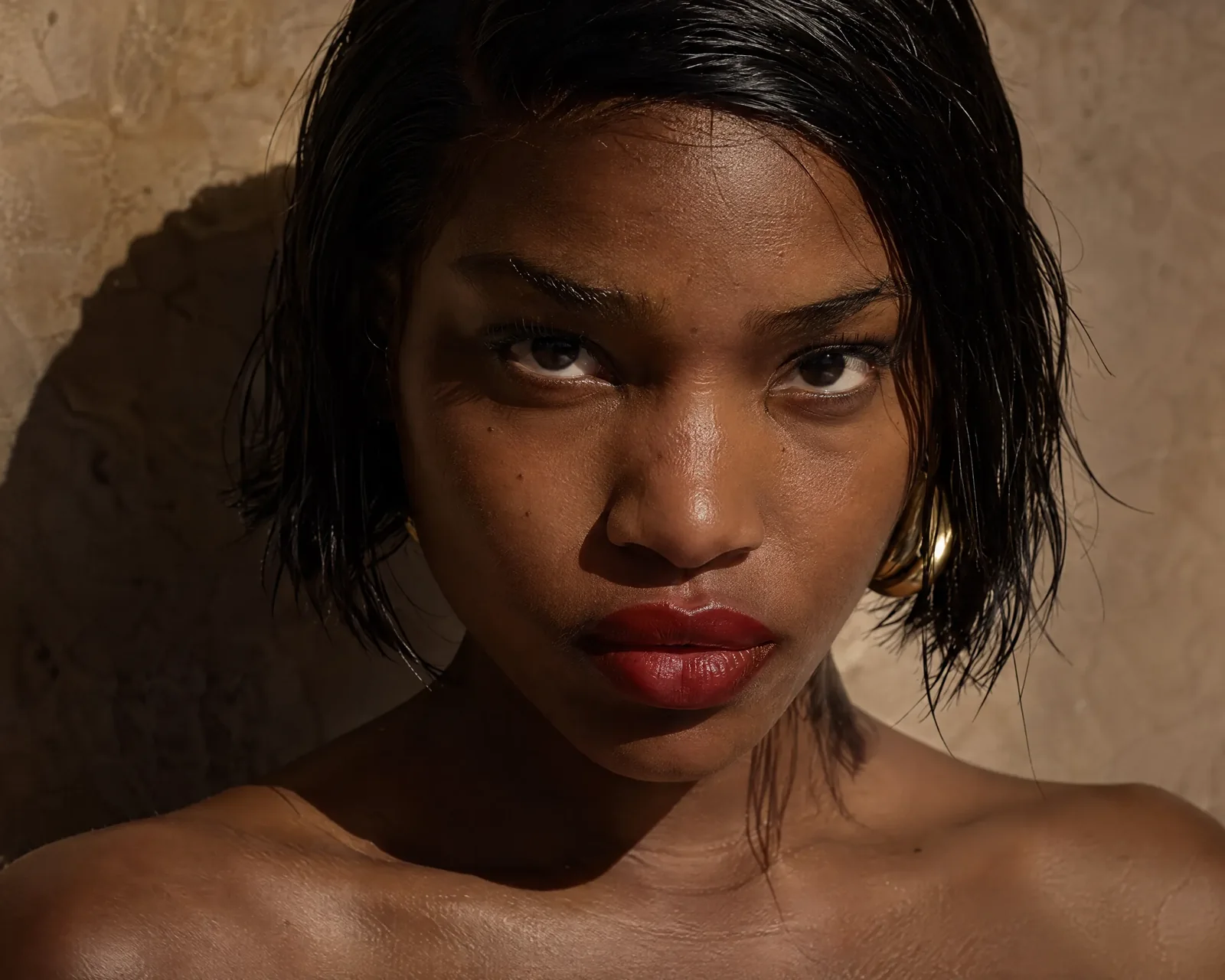
The angle shot step of Model swap now takes several angle shots at a time. One launch gives you one image per photo and per angle shot, and the setup shows the count and the credits before you start.
Also this week
- Your account menu moved to the top right, next to the notification bell. Same menu, one place for it on every page.
- Louis shows what it's doing. While Louis fills a product configuration you see each real step as it happens, and it suggests your own organization's models first. More in Louis, the AI stylist who sets up your AI photoshoots.
- Fix a detail pricing. Fix a detail has been free since launch. From October 26, 2026, each fix costs 5 credits. Until then, keep fixing for free. Fix a detail: correct logos and buttons on AI fashion photos.
Open Veeton to try it.