
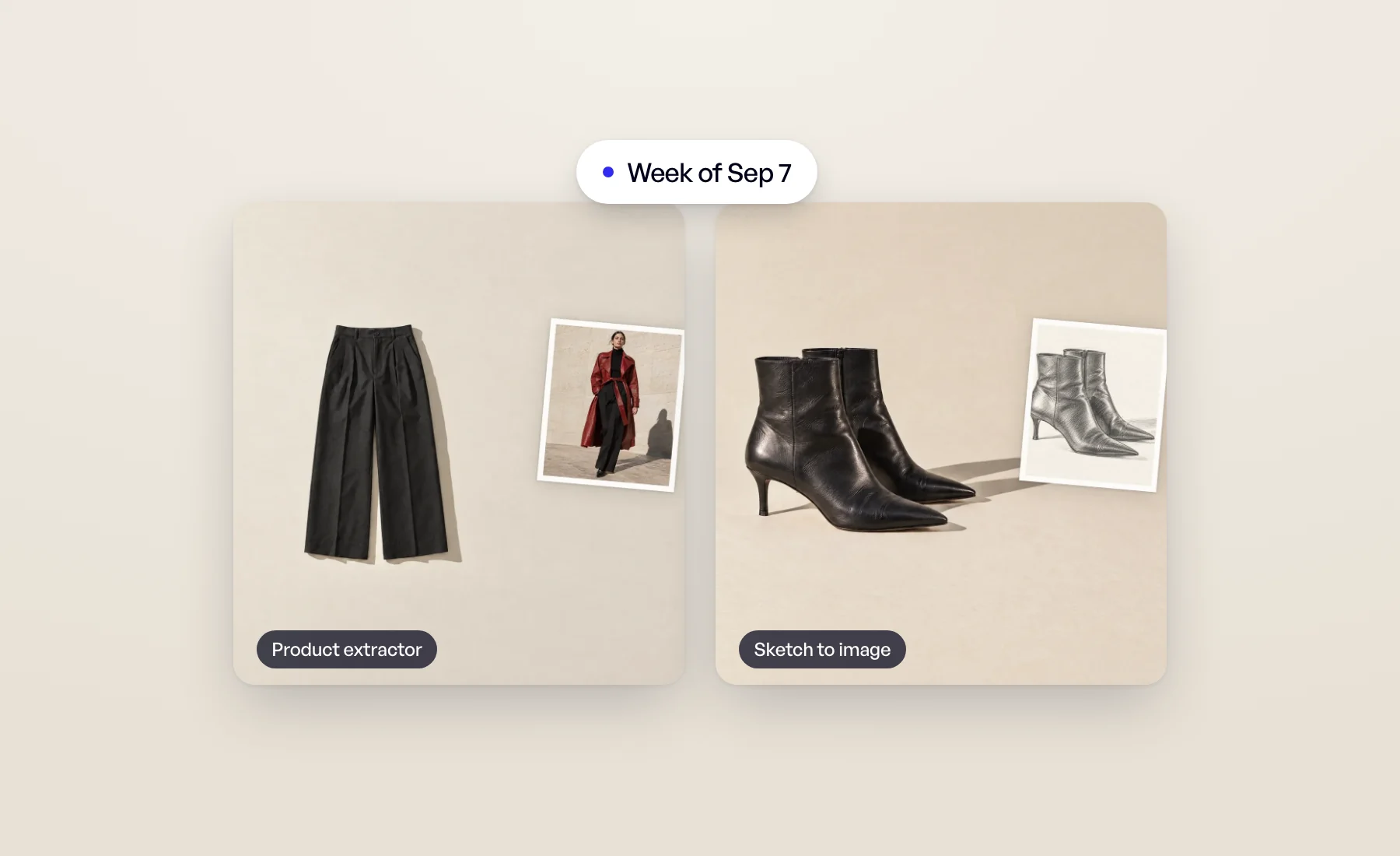
Two more tools joined the studio, and the whole studio now fits in your pocket.
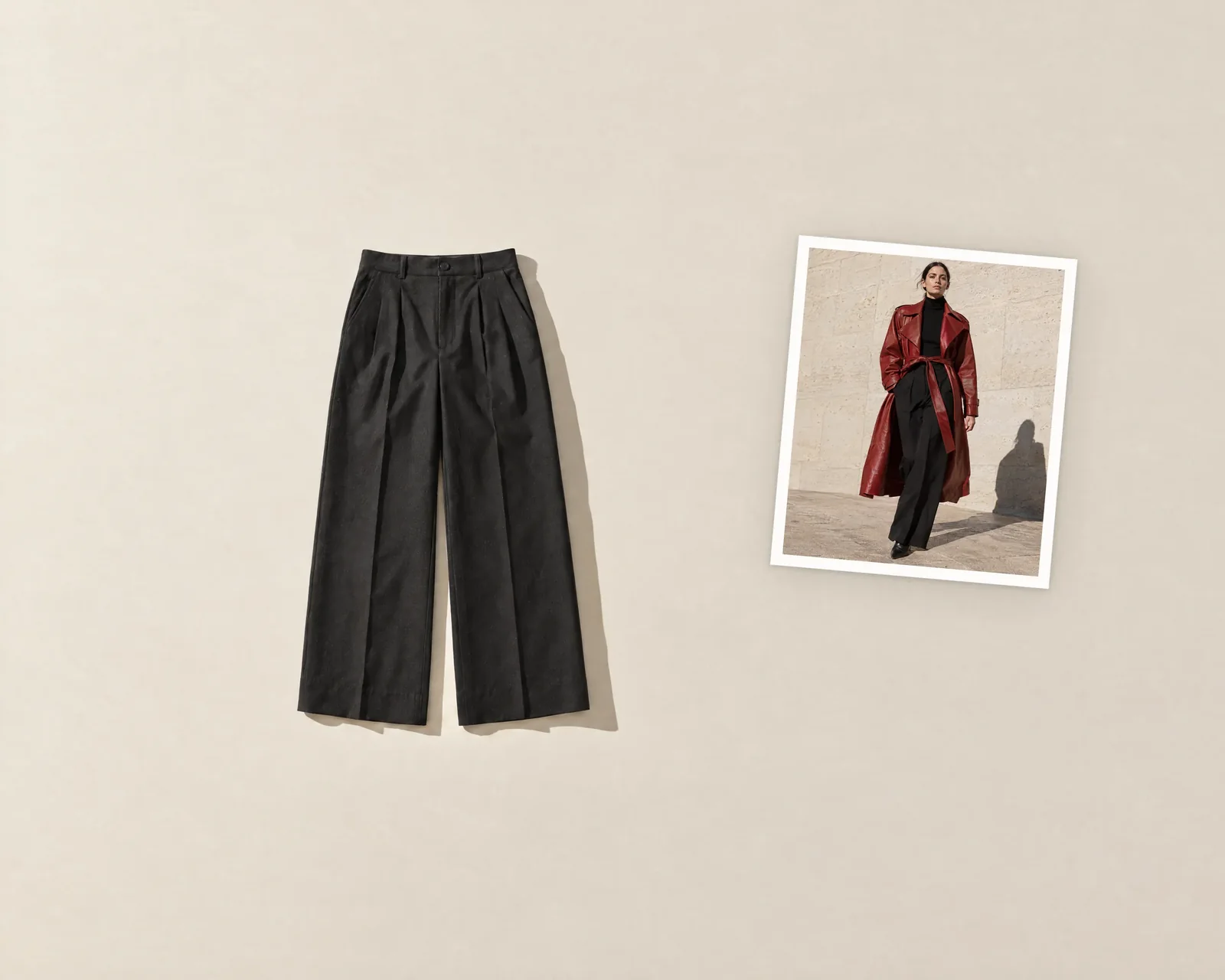
Product extractor
Have photos of your product being worn, but no clean product image? Product extractor lifts the product off the person and gives it back as a clean packshot, on pure white or on a background you choose. It's perfect for old campaign images, influencer content, or a sample you photographed on a colleague.
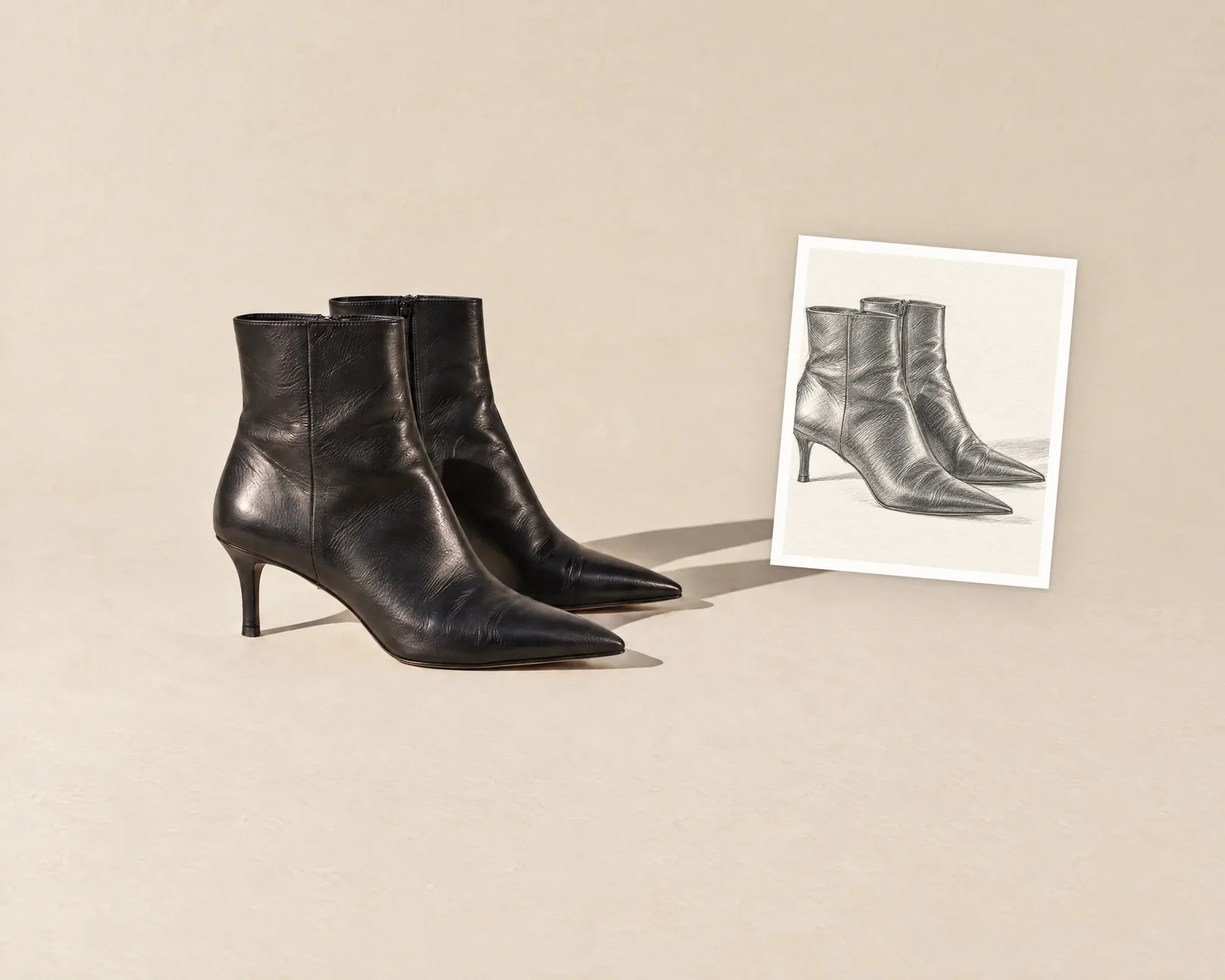
Sketch to image
Designers think in sketches. Sketch to image turns a drawing into a realistic product image, so you can see a style before a sample exists.
Both tools, with 360° video and Tech pack to product, are covered in New AI tools: 360° product videos, tech packs, worn photos and sketches.
Veeton on your phone
Veeton now works properly on a phone. Photograph a product with your camera and import it straight away, launch a tool, browse your results and libraries, switch projects, and check your credits, all from your phone. You can even add Veeton to your home screen like an app.
Everything you can do on the go is in Veeton on your phone: AI photoshoots and reviews from anywhere.
A clearer notification bell
The bell now shows a blue counter with your unread notifications (up to "9+"), and swings briefly when something new arrives while you work. News from the Veeton team sits at the top under New from Veeton, with an Open button when there is more to see and Got it to put it away.
Also this week
- Know the cost before you create an angle shot. The credit cost now shows next to Create angle shots, and adjusts to the number of reference images you pick.
- Zoom where you click. In the result view each click zooms one step further, 2x, then 4x, then 8x, centered on the spot you clicked. Inspecting a seam or a logo takes three clicks. On a phone, pinch to zoom as usual.
Open Veeton and extract your first product.