
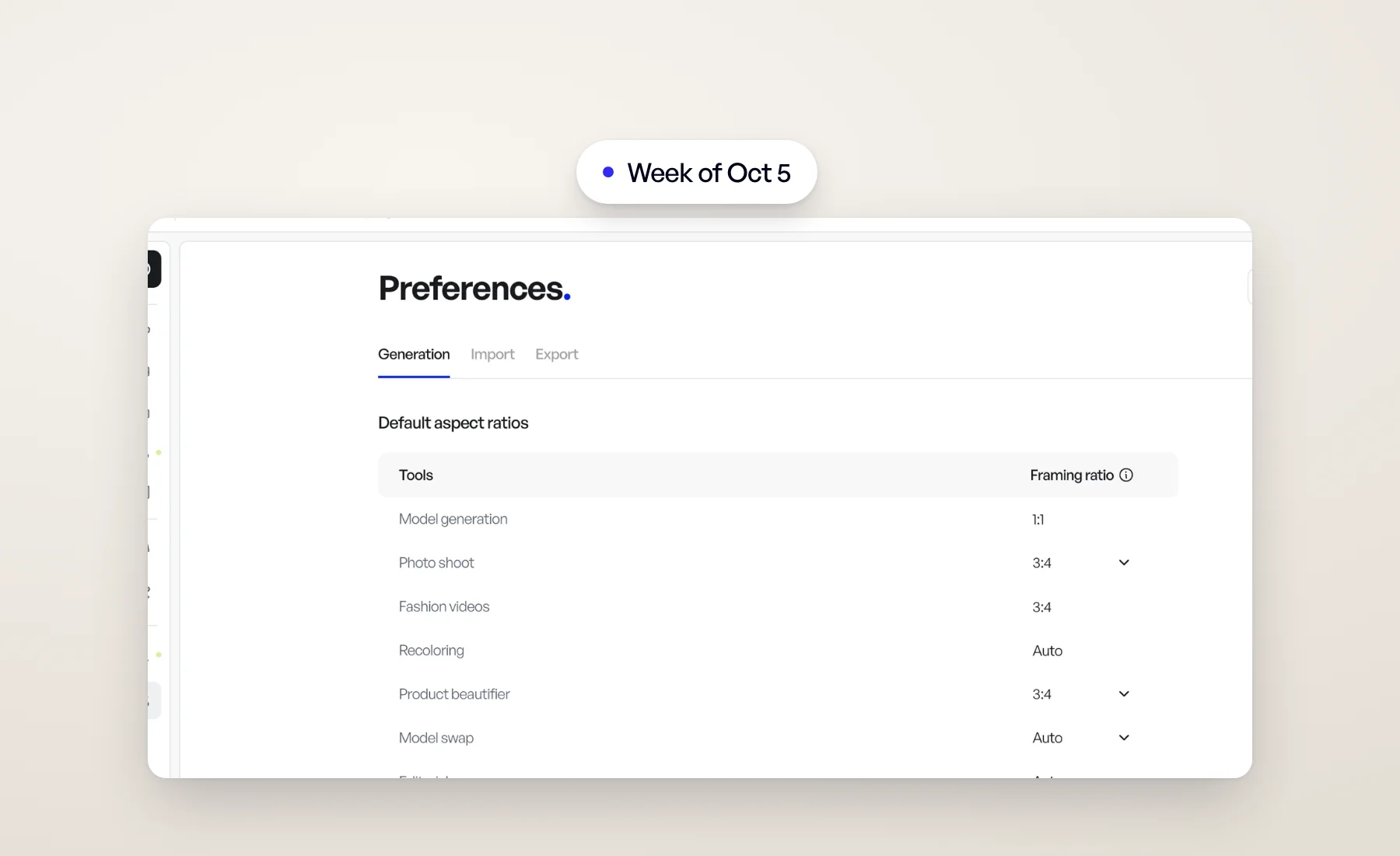
Our busiest week of the quarter. Most of it is about putting your own material, your backgrounds, your file names and your team's work, at the center of Veeton.
One Assets section
Models, angle shots and backgrounds now live together under one Assets row in the sidebar, with a tab for each, while Products keep their own row. Fewer places to look, and one way to browse everything you shoot with.
Your own backgrounds
Upload a photo of your own location and use it as the background of a photo shoot. Every background picker now separates Veeton backgrounds from My backgrounds, and Model swap can place the model straight into one of your own photos.
The full story: Custom backgrounds: shoot AI models in your own locations.
Exports that fit your channels
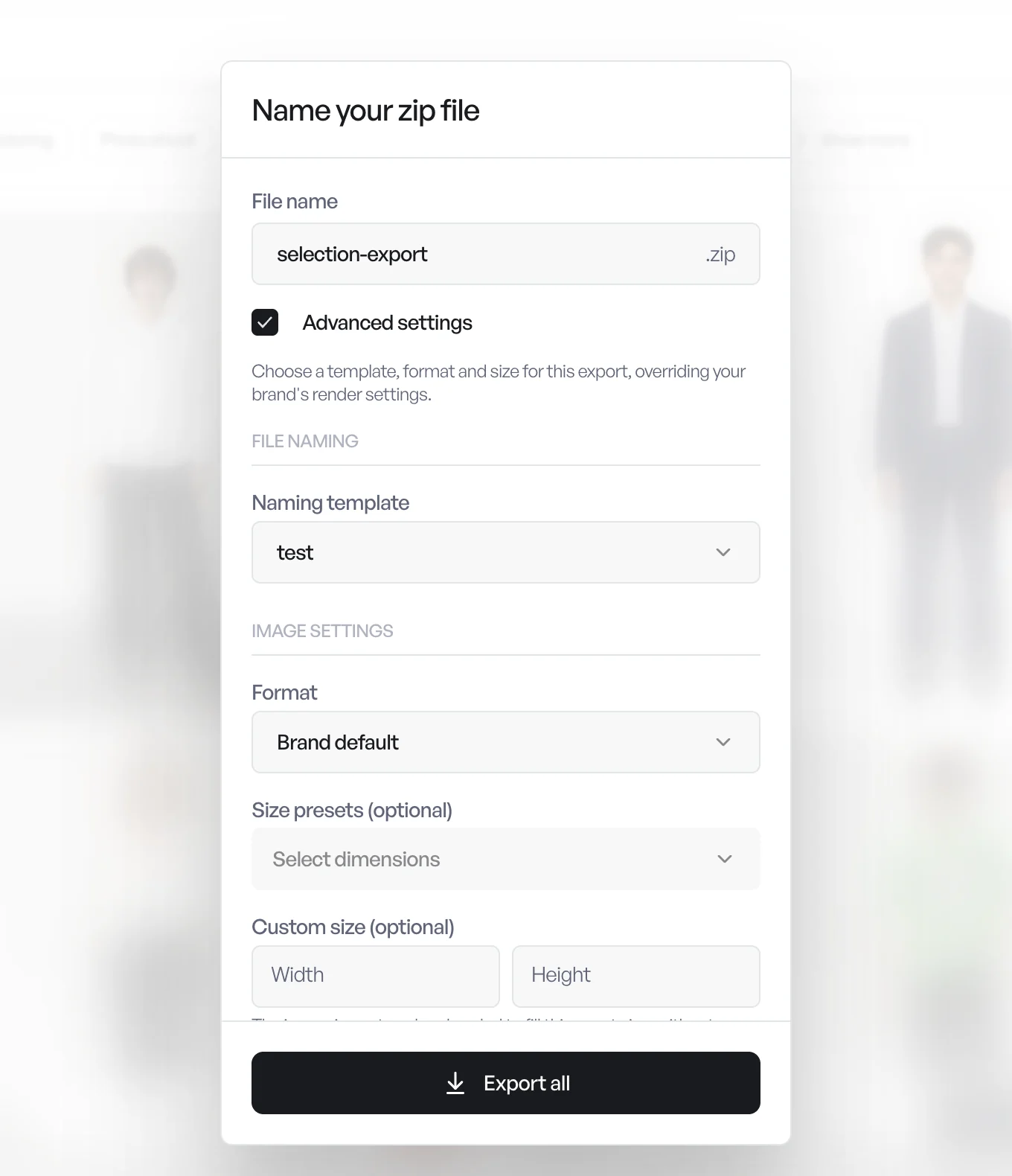
In the export window, Size presets (optional) and Custom size (optional) now crop each image to the shape you ask for, keeping the center, instead of stretching it. A square for a marketplace, a 4:5 for social: the product keeps its proportions.
Your file names can speak your language too. When an export naming template uses the angle token, an Angle shot names table lets you give each angle shot your own keyword, such as 01, 02 or BACK. Photo shoot and model swap results are then exported under those names.
Preferences, in one place
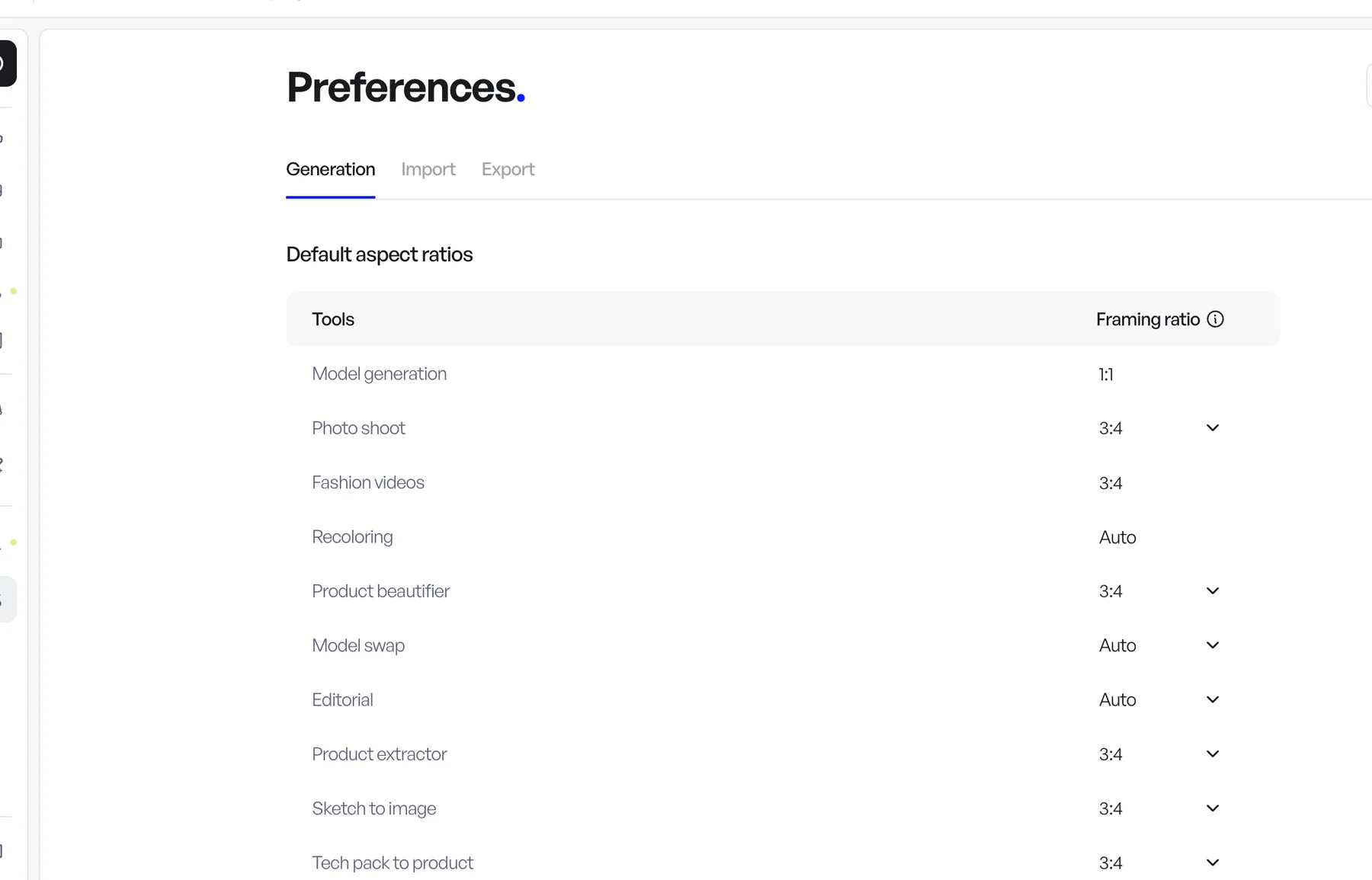
Generation settings, import and export used to be three pages. They're now three tabs of a single Preferences page under Configuration: Generation, Import and Export. Old links still bring you to the right tab.
Also this week
- Results grouped by product, and a Launched by filter to see what you or a teammate generated. More in Organize your library.
- Fix a detail on Editorial results. How it works.
- A check before big launches. From 5 images up, the studio tools ask you to confirm the number of images and the credits before generating.
- Drag to pick. Drag a card from the middle of a studio tool onto the matching row of your setup to select it. Clicking still works.
- Start a photo shoot from a product. It's in the More actions (⋯) menu of a product card.
- Model height. A model's details now show its Height (cm).
- A custom instruction in Model swap. Ask for short wavy hair, a smile or no jewelry, and it applies to every image in the launch.
- A project dashboard that matches the home page. Your project's figures, what's generating right now and your tools in one compact row. The project you're in shows as a path after the page title, one click from switching.
- See what's generating. While generations are running, a small indicator in the top bar shows how many, and since when.
- Faster galleries. The next page loads before you reach it, and switching versions of a result happens in place, without reloading the gallery.
Open Veeton to try it.