
This week was about keeping a growing library in order, and about never having to start an image over.
Tags, everywhere in your library
You can now put tags on products, models, angle shots, results and whole projects, filter any library by them, and tag files while you upload them. One list of tags is shared by your whole team, so the same Lookbook or SS27 tag can gather a collection wherever it lives.
We cover tags, search and the new filters in one place: Organize your product images: tags, AI search and smart filters.
Edit with AI on every image
Edit with AI used to stop at photo shoots and a few tools. It now works on every image result: Editorial shots, background removals, upscales, Tech pack to product, Product extractor and Sketch to image. Open the result, describe the change, and the new version lands in the same history as the original.
More on the tools it now covers: New AI tools: 360° product videos, tech packs, worn photos and sketches.
A guided tour in the studio tools
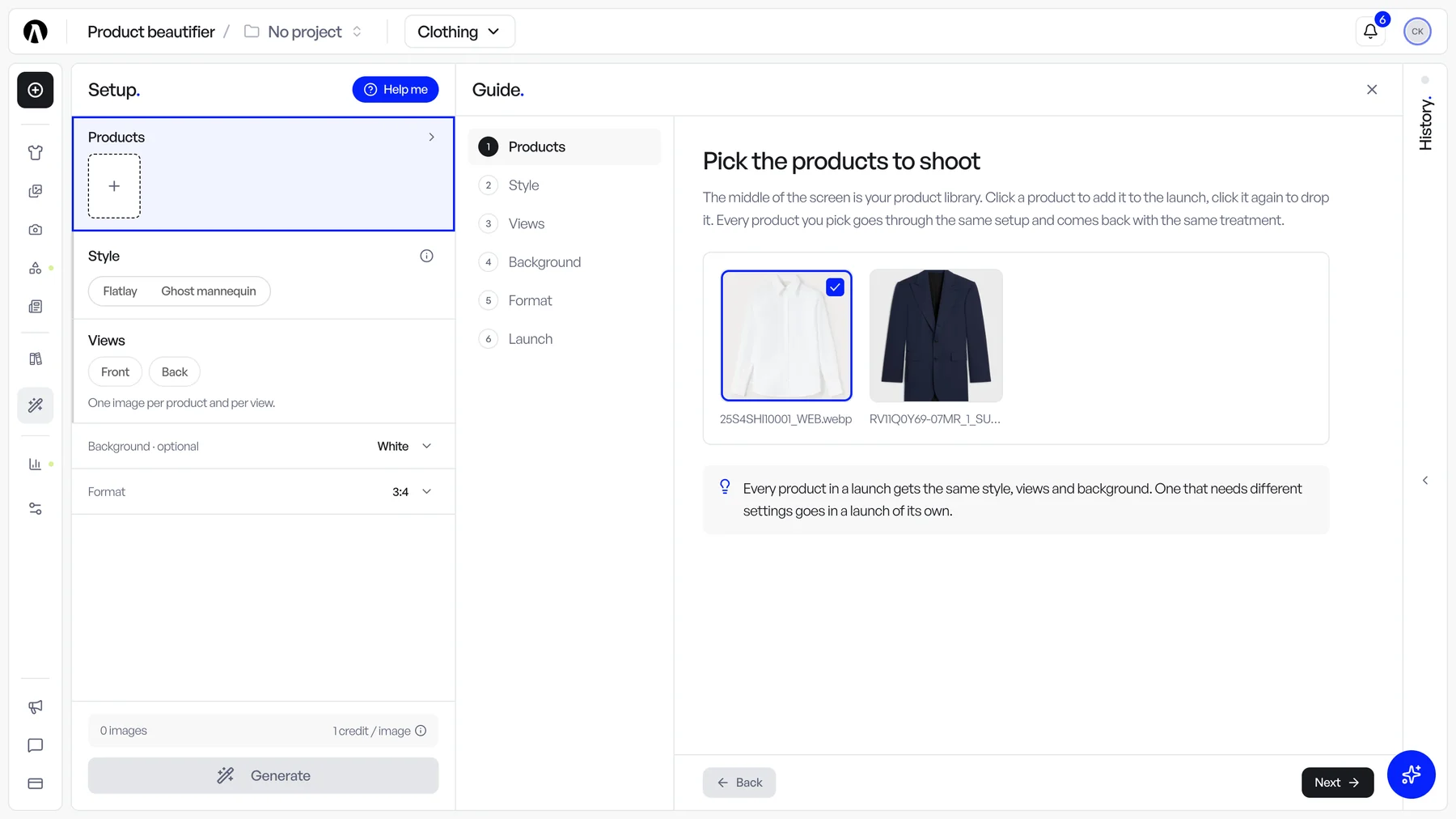
The studio tools now share one layout: your setup on the left, what you pick from in the middle, your history on the right. The setup reads as a list of rows, with the launch button and its credit cost pinned underneath, so the form doubles as a recap.
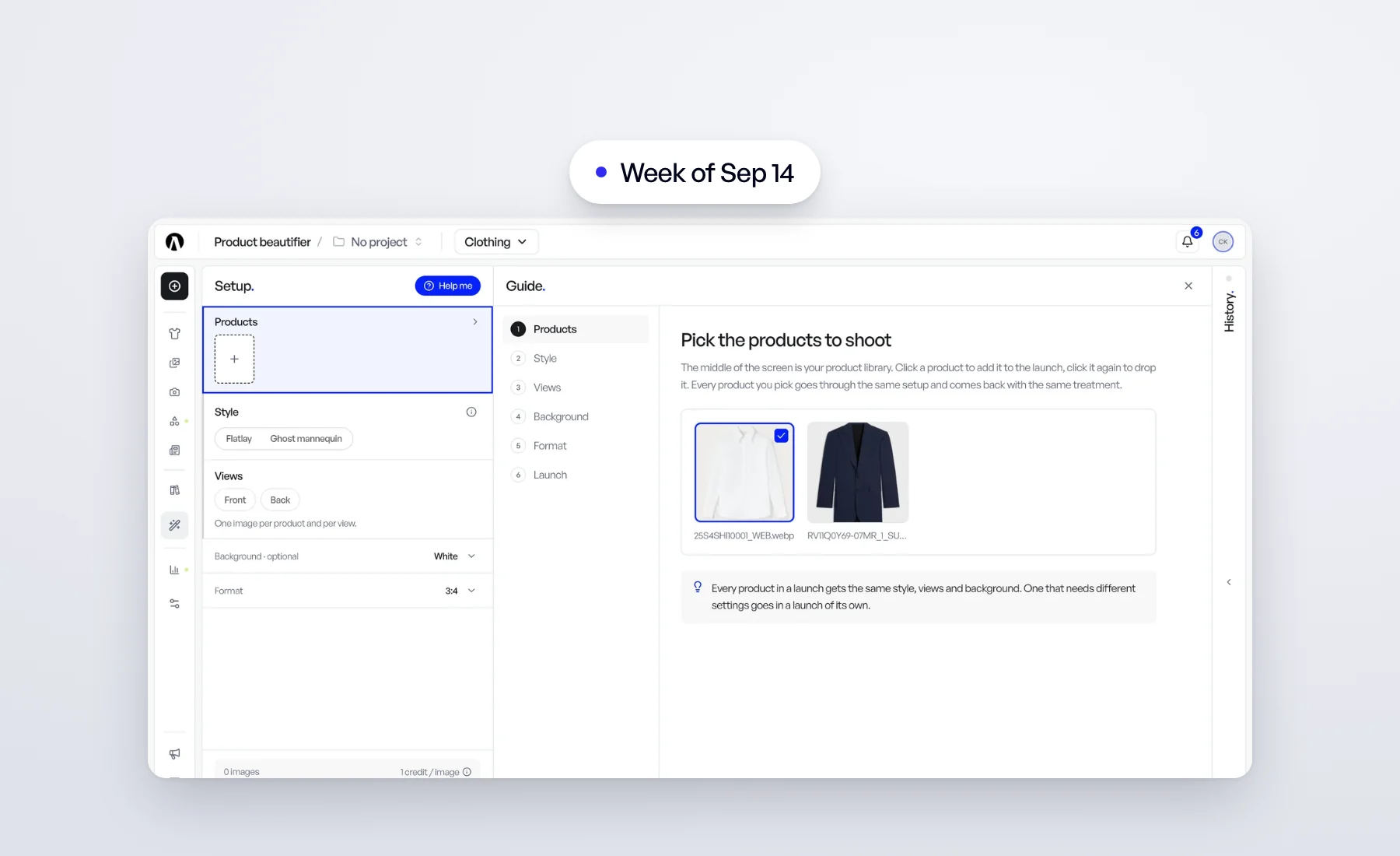
Not sure where to start? Click Help me next to Setup. A short tour walks through each row in order, lighting up the row it talks about and showing the actual choices, such as a flatlay next to a ghost mannequin of the same product. Close it whenever you like; it picks up where you left off.
Also this week
- A new support chat. Ask Louis for a person with Talk to a human and your conversation goes straight to our team. When we reply, a red badge appears on the chat button, even on your next visit or another computer. On a phone, find the thread under Contact support in your account menu.
- Smoother zoom in the result viewer. Scroll or pinch to zoom: the image eases toward your pointer and stays inside the frame.
- Tidier product cards. Beautify, Export and Delete stay on the card; recoloring, Add to tag and the rest sit behind More actions (the ⋯).
- Flatlay or ghost mannequin? In the Product beautifier, the (i) on the Style row shows both styles side by side before you choose.
Everything above is live for every account. Open Veeton to try it.