
This week is for teams: what you produced, who made it, and what's ready to publish.
The Analytics page
A new Analytics page shows what your organization generates, downloads and spends, and how long your credits will last at your current pace. Read it in Meet the Analytics page.
Review status on results
Mark each result Not reviewed, In review, Approved or Rejected, then filter or group the gallery by status. Nothing changes status on its own: only your team decides what's approved. More in Work as a team.
Bulk actions in a floating bar
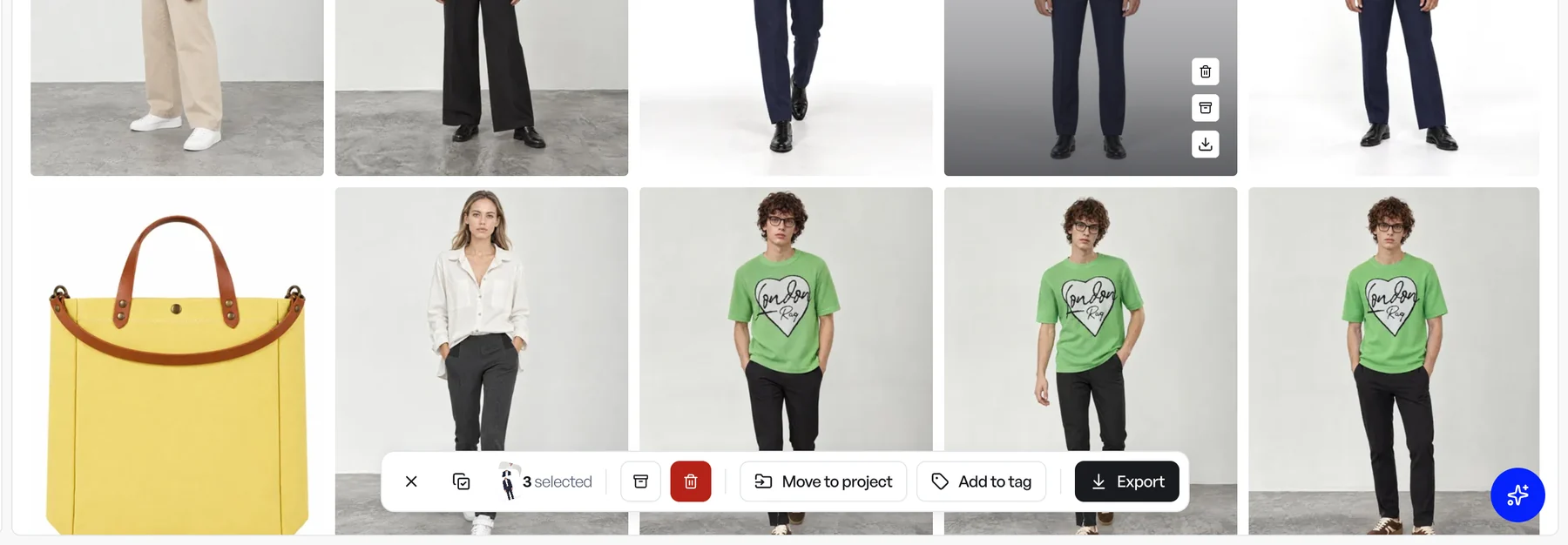
Select a few results, products, models, angle shots or projects, and a bar rises at the bottom of the grid with everything you can do with that selection: export, add to a tag, move to a project, delete. It appears only while something is selected, so the toolbar above stays clear. Press Escape to clear the selection.
Find work by who made it
A Created by filter now sits in your Products, Projects, Models, Backgrounds and Angle shots libraries, and in the photo shoot and model swap pickers. Pick Me or a teammate. It joins the Orientation filter for angle shots (Front, Three-quarter, Profile, Back). The details are in Organize your library.
Caps and hats from new angles
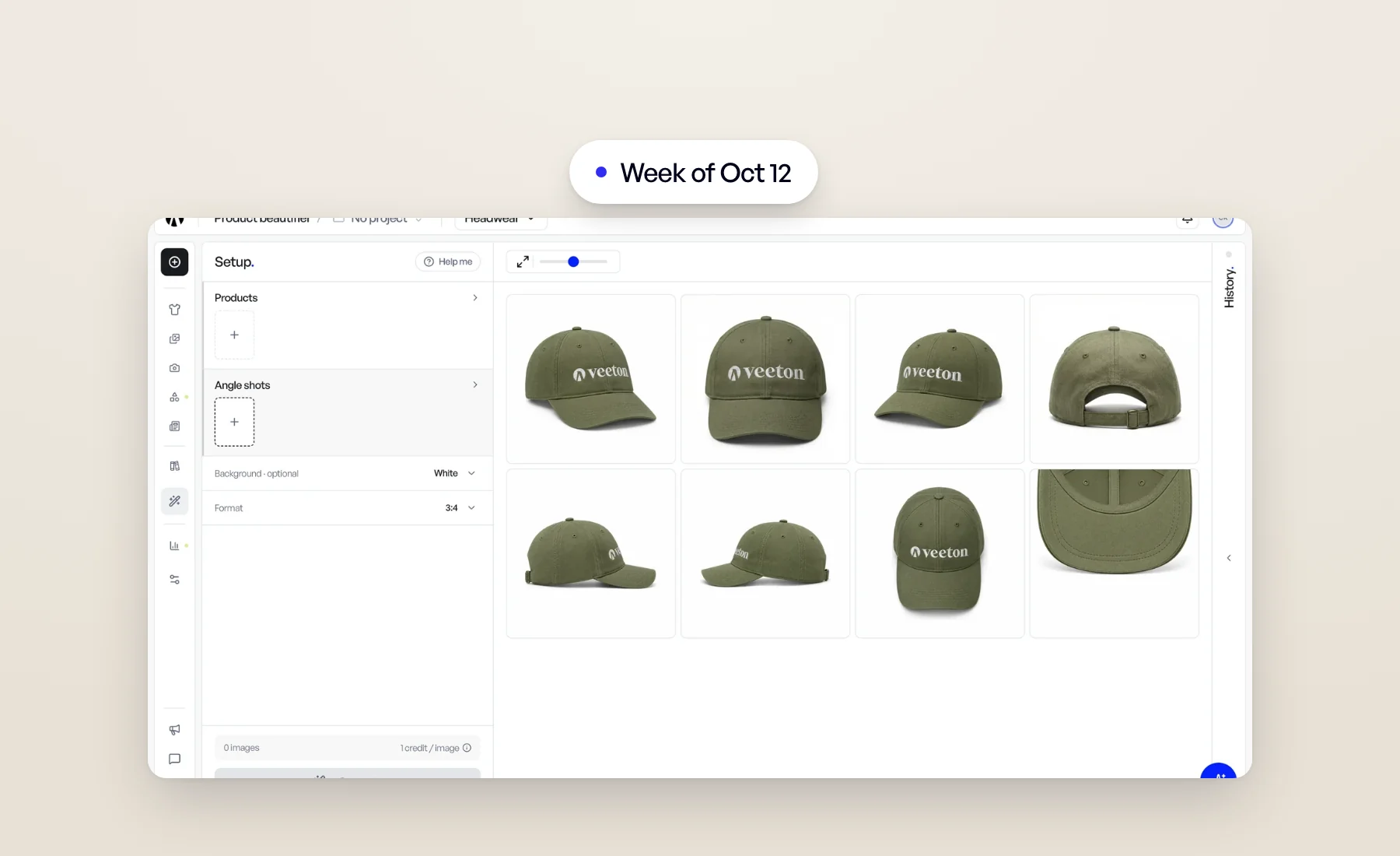
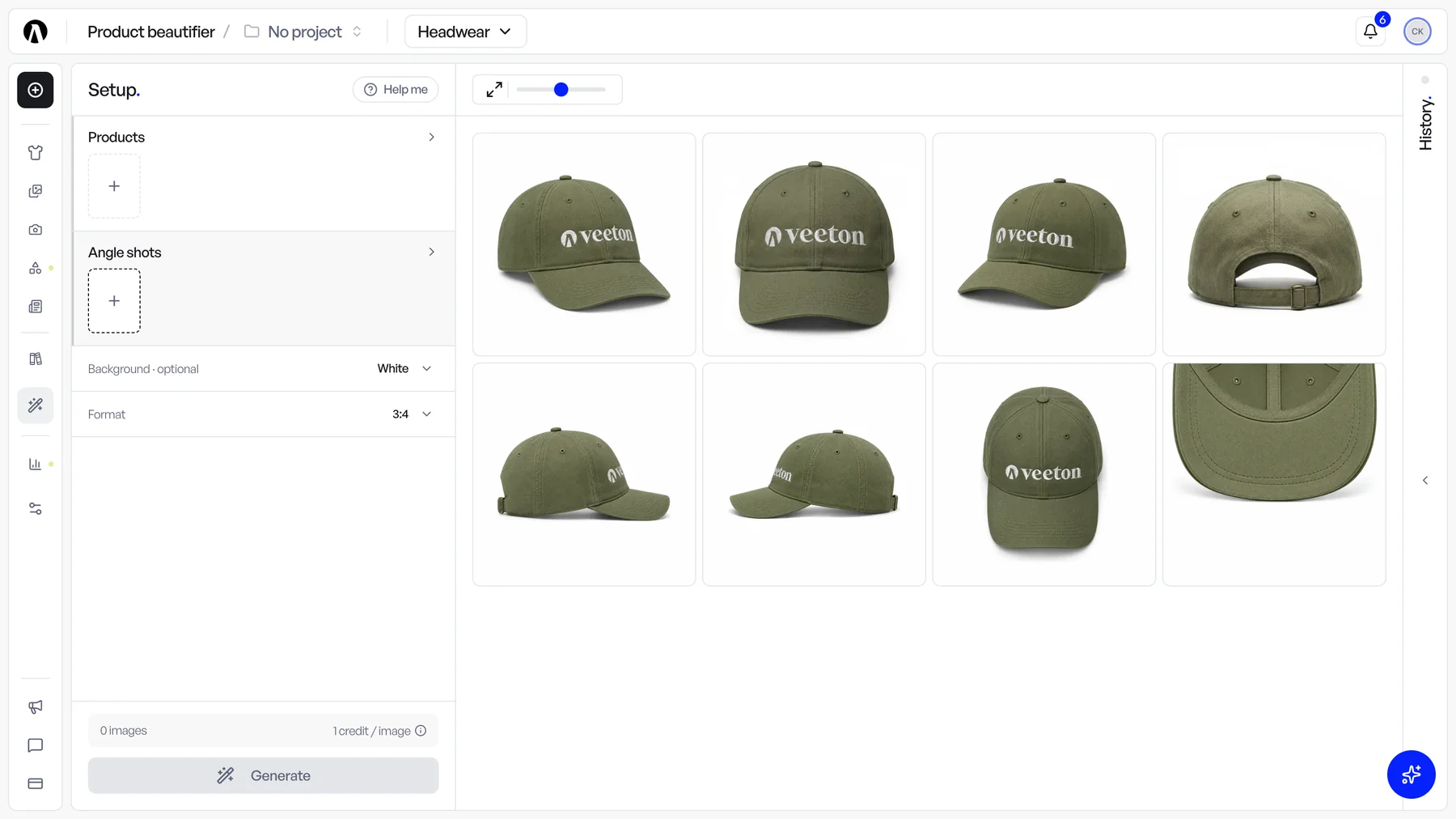
The Product beautifier now shoots headwear from eight angle shots, named after the way the brim points: three quarter right and left, front, back, side right and left, top, and a new Under the brim close-up of the underside. Select several in one launch and each product gets one image per angle shot. Tips on which photos to upload are in the help article.
Also this week
- Ghost mannequins made for the right body. The Product beautifier now reads who a product is made for, women, men or kids, and shapes the invisible body inside the ghost mannequin to match.
- My backgrounds in Editorial. Your own backgrounds are now in the Background step of Editorial too. See Your own backgrounds.
- Louis keeps watch. After launching a generation for you, Louis watches for the results and posts them in the chat when they're ready. You can keep chatting meanwhile, or click Stop watching. More in Louis, the AI stylist who sets up your AI photoshoots.
Open Veeton to try it.